
What are the best time management apps?
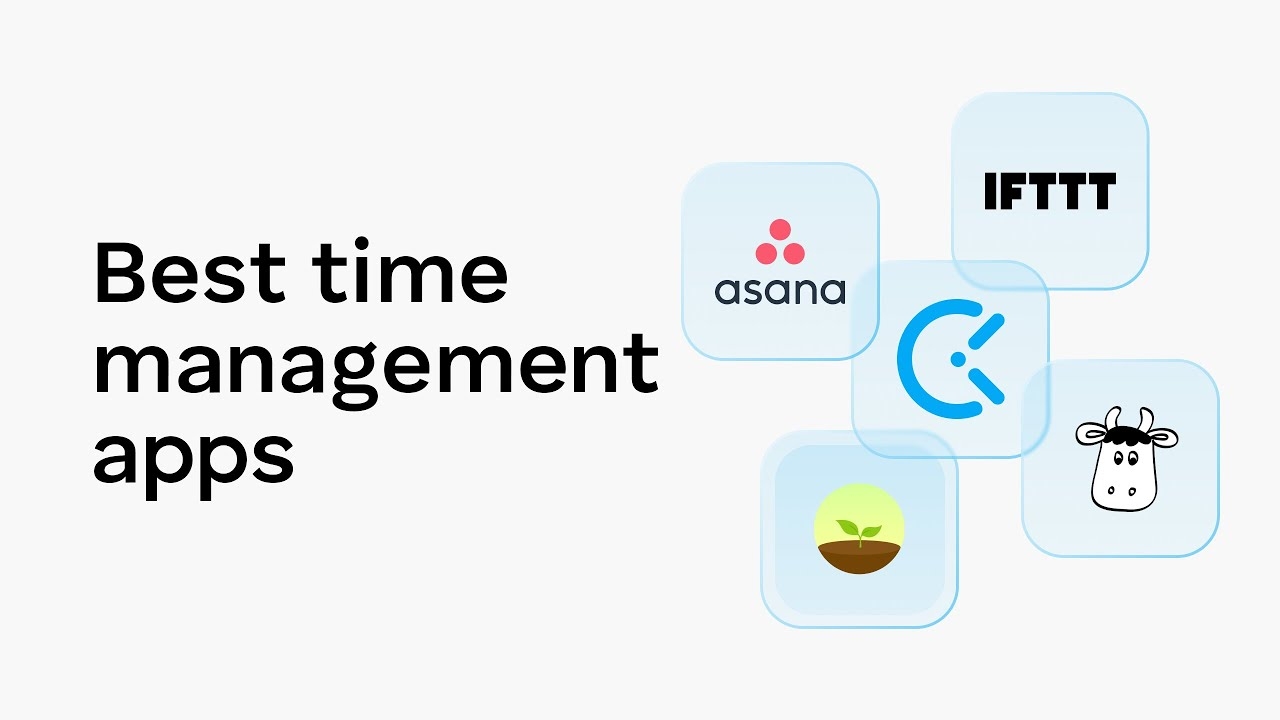
What Are the Best Time Management Apps?
The “best” time management apps are not defined by feature count—they are defined by alignment with your workflow, cognitive style, and performance goals. An app that improves clarity, reduces friction, and reinforces consistent execution will outperform a sophisticated tool that you abandon after two weeks.
Time management apps generally fall into five functional categories:
-
Task managers
-
Calendar and scheduling tools
-
Focus and distraction blockers
-
Time tracking tools
-
Project and team collaboration platforms
Below is a comprehensive analysis of the most effective apps in each category, including their strengths, limitations, and ideal use cases.
1. Todoist
Category: Task Management
Best For: Individuals who want a clean, fast, cross-platform system
Todoist is one of the most widely adopted personal task managers. It excels at:
-
Natural language input (“Submit report tomorrow at 3pm”)
-
Priority labeling
-
Project organization
-
Recurring tasks
-
Lightweight collaboration
Its interface is minimal, reducing cognitive friction. It supports structured methodologies like Getting Things Done (GTD) without overwhelming users.
Strengths
-
Fast task capture
-
Reliable cross-device sync
-
Simple but powerful filtering
Limitations
-
Less visual compared to Kanban-style tools
-
Advanced features require paid plan
Ideal User
Knowledge workers, students, and freelancers managing multiple personal projects.
2. Microsoft To Do
Category: Task Management
Best For: Users within the Microsoft ecosystem
Microsoft To Do integrates seamlessly with Outlook and Microsoft 365. It offers:
-
Daily “My Day” planning
-
Shared task lists
-
Recurring reminders
-
Email-to-task integration
It is simple and accessible but less powerful than advanced project management tools.
Strengths
-
Strong Outlook integration
-
Free and accessible
-
Clean interface
Limitations
-
Limited advanced workflow customization
Ideal User
Corporate professionals using Microsoft 365 extensively.
3. Notion
Category: All-in-One Workspace
Best For: Custom workflow builders
Notion is highly flexible and supports:
-
Task management
-
Knowledge bases
-
Databases
-
Kanban boards
-
Documentation
-
Goal tracking
It allows users to design tailored productivity systems, from simple daily planners to complex dashboards.
Strengths
-
Extreme flexibility
-
Centralized knowledge and tasks
-
Strong collaboration
Limitations
-
Steeper learning curve
-
Can encourage over-optimization
Ideal User
Power users who want a customizable productivity ecosystem.
4. Trello
Category: Visual Project Management
Best For: Kanban-based workflows
Trello uses boards, lists, and cards to visualize tasks. It’s intuitive and highly visual.
It is particularly effective for:
-
Small team collaboration
-
Personal workflow visualization
-
Content planning
Strengths
-
Extremely simple interface
-
Visual clarity
-
Easy team onboarding
Limitations
-
Limited scalability for complex projects
-
Can become cluttered at scale
Ideal User
Individuals or small teams preferring visual organization.
5. Asana
Category: Team Project Management
Best For: Cross-functional teams
Asana provides:
-
Task dependencies
-
Timeline views
-
Workload management
-
Goal tracking
-
Automation
It is robust and scalable, suitable for managing large projects and multiple teams.
Strengths
-
Advanced project visibility
-
Structured workflow control
-
Enterprise-level features
Limitations
-
Can feel complex for solo users
-
Premium features behind paywall
Ideal User
Managers overseeing multi-phase projects.
6. ClickUp
Category: Customizable Productivity Platform
Best For: Users wanting deep customization
ClickUp combines task management, docs, goals, and dashboards into one ecosystem.
It supports:
-
Multiple views (list, board, calendar, Gantt)
-
Automation
-
Time tracking
-
Detailed reporting
Strengths
-
Highly feature-rich
-
Suitable for scaling teams
-
Strong customization
Limitations
-
Can be overwhelming
-
Interface complexity
Ideal User
Teams seeking a single comprehensive system.
7. Google Calendar
Category: Scheduling
Best For: Time blocking and visibility
Google Calendar is foundational for effective time management. When used for time blocking, it transforms planning from passive listing to active scheduling.
Benefits:
-
Shared calendars
-
Meeting scheduling
-
Recurring events
-
Reminders
-
Mobile integration
Strengths
-
Simple and reliable
-
Excellent integration ecosystem
-
Free
Limitations
-
Limited task management functionality
Ideal User
Anyone practicing structured time blocking.
8. Forest
Category: Focus App
Best For: Reducing phone distraction
Forest gamifies focus. Users plant a virtual tree that grows during focused sessions. Leaving the app kills the tree.
It reinforces behavioral discipline through gamification.
Strengths
-
Simple and motivating
-
Encourages phone-free focus
Limitations
-
Narrow functionality
-
Behavioral tool, not task system
Ideal User
Individuals struggling with mobile distraction.
9. RescueTime
Category: Automatic Time Tracking
Best For: Productivity analytics
RescueTime tracks time spent across applications and websites.
It provides:
-
Detailed usage reports
-
Productivity scoring
-
Focus session tracking
Strengths
-
Data-driven insights
-
Identifies hidden time drains
Limitations
-
Privacy considerations
-
Requires interpretation discipline
Ideal User
Professionals seeking objective behavioral feedback.
10. Clockify
Category: Manual Time Tracking
Best For: Freelancers and billable work
Clockify allows users to:
-
Track billable hours
-
Categorize tasks
-
Generate reports
-
Manage timesheets
Strengths
-
Free tier with strong features
-
Team time tracking
Limitations
-
Manual logging discipline required
Ideal User
Freelancers and consultants.
11. Things
Category: Premium Task Manager
Best For: Apple ecosystem users
Things offers a beautifully designed, distraction-free task experience.
It emphasizes:
-
Clean hierarchy
-
Clear next actions
-
Minimal clutter
Strengths
-
Elegant interface
-
Strong usability
-
Excellent GTD support
Limitations
-
Apple-only
-
Paid upfront
Ideal User
Mac and iOS users prioritizing design simplicity.
12. TickTick
Category: Task Manager with Focus Tools
Best For: All-in-one personal productivity
TickTick combines:
-
Task lists
-
Calendar integration
-
Habit tracking
-
Built-in Pomodoro timer
It is a versatile personal productivity solution.
Strengths
-
Balanced feature set
-
Affordable
-
Built-in focus timer
Limitations
-
Interface less refined than competitors
Ideal User
Individuals wanting task + focus integration in one tool.
Choosing the Right App for You
Instead of asking “What is the best app?” ask:
-
Do I need individual or team management?
-
Do I prefer visual boards or structured lists?
-
Do I need time tracking?
-
Do I want deep customization or simplicity?
-
Am I prone to distraction?
Your workflow determines the optimal tool.
Recommended Combinations
High-performing professionals often combine tools strategically:
Solo Knowledge Worker
-
Todoist + Google Calendar
-
RescueTime for analytics
Freelancer
-
TickTick + Clockify
-
Google Calendar for scheduling
Team Manager
-
Asana or ClickUp
-
Google Calendar
-
RescueTime for insight
Minimalist Setup
-
Things + Calendar
-
Forest for focus
Common Mistakes When Choosing Time Management Apps
-
Tool-hopping frequently
-
Over-customizing
-
Using multiple redundant systems
-
Ignoring weekly reviews
-
Mistaking app usage for productivity
Apps are amplifiers, not substitutes for discipline.
Final Perspective
The best time management apps are those that:
-
Reduce friction
-
Increase visibility
-
Support consistent planning
-
Protect focused work
-
Align with your workflow
Simplicity and consistency outperform feature overload.
Select one primary task manager, one calendar, and optionally one focus or tracking tool. Commit to them for at least 30–60 days before evaluating changes.
Time management is a behavioral discipline supported by tools—not created by them. The app enhances the system. The system drives results.
- Arts
- Business
- Computers
- Spiele
- Health
- Startseite
- Kids and Teens
- Geld
- News
- Personal Development
- Recreation
- Regional
- Reference
- Science
- Shopping
- Society
- Sports
- Бизнес
- Деньги
- Дом
- Досуг
- Здоровье
- Игры
- Искусство
- Источники информации
- Компьютеры
- Личное развитие
- Наука
- Новости и СМИ
- Общество
- Покупки
- Спорт
- Страны и регионы
- World

 English
 Russian
 French
 Spanish
 Portuguese
 Turkish
 Dutch
Dutch
 Italiano
 Arabic
 Romaian
 Portuguese (Brazil)
 Greek
Greek