
How to create a minimalist office?
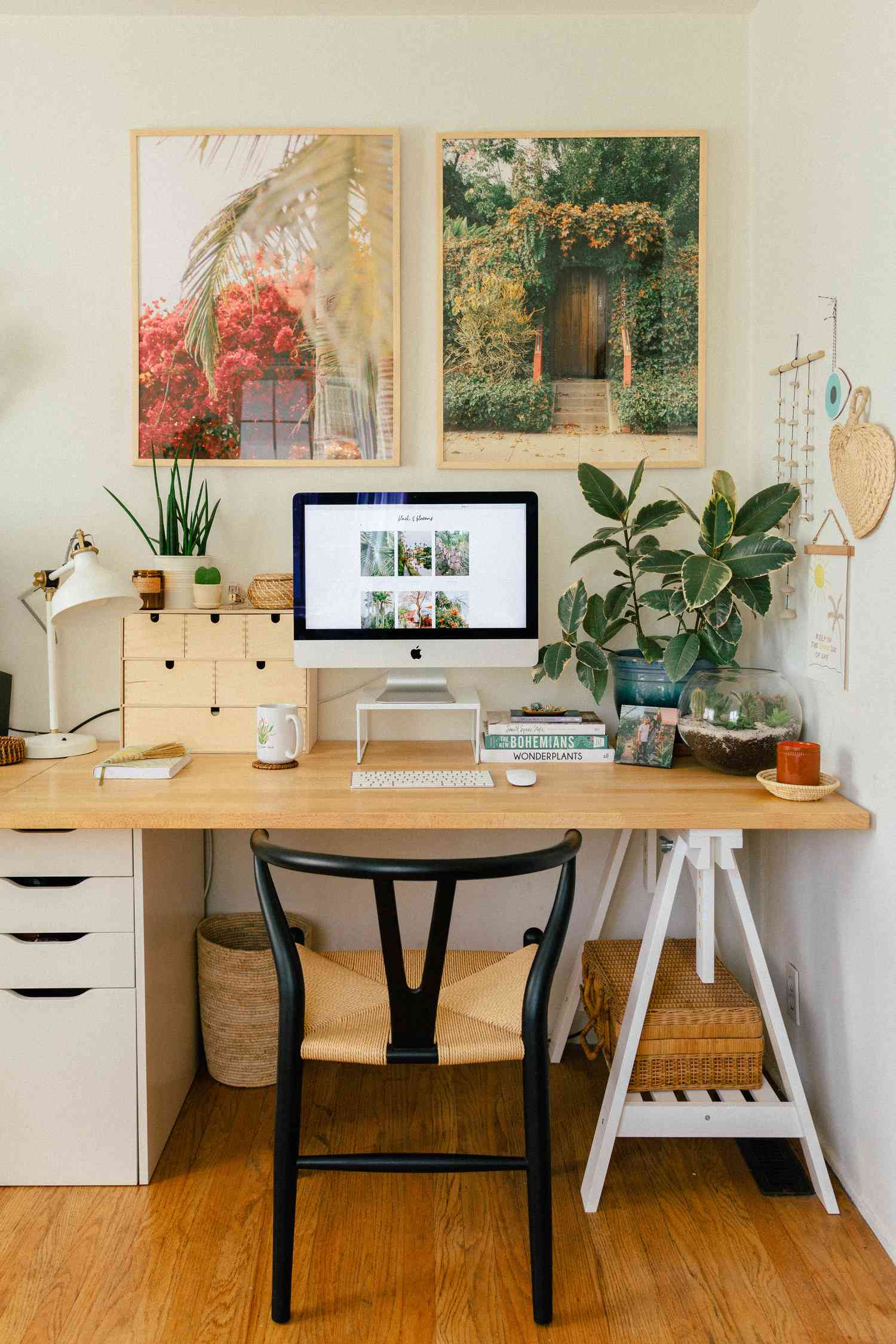
Not silent—quiet.
There’s a difference.
The kind of quiet that isn’t about the absence of sound, but the absence of demand. No scattered papers asking to be sorted. No extra tools catching your eye. No small decisions waiting in the margins.
Just a surface. A task. A sense that nothing else is competing.
It didn’t happen by accident.
It happened after removing more than I added.
Which leads to a question that tends to be misunderstood:
How do you create a minimalist office that actually improves the way you work, rather than just changing how it looks?
Because minimalism, when reduced to aesthetics, becomes decoration.
When applied correctly, it becomes structure.
Minimalism Is Not Less—It’s Precise
The Common Misinterpretation
Minimalism is often mistaken for:
- Empty spaces
- Bare desks
- Limited tools
That version is visual.
But it’s incomplete.
The Functional Definition
A minimalist office includes:
- Only what is necessary
- Only what is used
- Only what supports the work
Nothing more. Nothing performative.
Step One: Start With What You Actually Do
Before You Remove Anything
Identify:
- Your primary tasks
- The tools required for those tasks
- The frequency of use
Why This Matters
Removing items without understanding your workflow leads to:
- Gaps in functionality
- Reintroduced clutter
- Frustration
Minimalism is selective—not reactive.
Step Two: Clear the Space Completely
Reset Before Refining
Take everything off your desk and out of immediate reach.
Yes—everything.
Then Rebuild
Return only:
- Essential tools
- Daily-use items
- Objects that directly support your work
The Effect
You see your workspace differently.
Not as a collection of items—but as a system.
Step Three: Define a Single Primary Zone
One Space, One Purpose
Your desk should have a clear center:
- A laptop or computer
- A notebook or input device
- Minimal supporting tools
The Rule
If an item does not support your primary task, it doesn’t belong in this zone.
Why It Works
Focus improves when the environment stops competing.
Step Four: Eliminate Redundancy
The Hidden Clutter
Minimalism often fails because of duplication:
- Multiple notebooks
- Extra pens
- Backup tools within reach
What to Do
Keep:
- One reliable version of each essential item
Store:
- Backups out of sight
The Result
Fewer choices. Faster action.
Step Five: Transition Where Possible to Digital Tools
Reduce Physical Dependence
Tools like:
- Google Docs
- Microsoft Excel
can replace:
- Paper notes
- Printed trackers
- Physical logs
Why This Matters
Physical items:
- Occupy space
- Require organization
- Introduce clutter over time
Digital tools:
- Centralize information
- Reduce surface demands
- Simplify access
A Lesson Learned: Minimalism Fails When It Ignores Reality
There was a point when I tried to force a minimalist office.
I removed aggressively:
- Extra supplies
- Secondary tools
- Even items I occasionally needed
The result looked clean.
But it didn’t work.
I kept interrupting my workflow:
- Getting up to retrieve stored items
- Reintroducing tools I had removed
- Breaking focus for small adjustments
The problem wasn’t minimalism.
It was misalignment.
When I rebuilt the space around what I actually used—rather than what I thought I should use—the system held.
The lesson was precise: minimalism must reflect behavior, not aspiration.
Step Six: Control Storage, Don’t Eliminate It
Minimalism Does Not Mean No Storage
It means:
- Controlled storage
- Intentional placement
- Clear boundaries
Use Storage For
- Backup supplies
- Rarely used tools
- Archived materials
The Rule
Storage should:
- Reduce visible clutter
- Maintain accessibility
- Avoid becoming a hidden mess
Step Seven: Simplify Visual Inputs
What You See Affects How You Think
Visual clutter:
- Divides attention
- Increases cognitive load
- Slows decision-making
Reduce It
- Limit decorative items
- Use neutral colors where possible
- Keep surfaces clear
The Outcome
Clarity in the environment supports clarity in thought.
Step Eight: Maintain Through Small Habits
Minimalism Is Not Static
It requires:
- Regular adjustment
- Consistent habits
- Awareness of accumulation
Daily Actions
- Return items after use
- Remove unnecessary additions
- Reset your desk at the end of the day
Why It Matters
Clutter doesn’t return all at once.
It builds quietly.
Step Nine: Design for Accessibility, Not Perfection
The Risk of Over-Refinement
Trying to perfect a minimalist setup can:
- Create rigidity
- Reduce flexibility
- Increase friction
The Better Approach
Design for:
- Ease of use
- Immediate access
- Natural behavior
The Result
A system that works—even when you’re not thinking about it.
A Comparative Breakdown: Traditional vs. Minimalist Office
| Element | Traditional Office Setup | Minimalist Office Setup | Impact on Work |
|---|---|---|---|
| Surface Items | Multiple tools visible | Only essentials | Reduced distraction |
| Storage | Mixed and unstructured | Controlled and intentional | Better organization |
| Tool Variety | High | Limited | Faster decisions |
| Visual Input | Complex | Simplified | Improved focus |
| Maintenance | Reactive | Habit-based | Sustained clarity |
| Workflow Alignment | Inconsistent | Task-focused | Increased efficiency |
Minimalism is not emptiness.
It’s alignment.
Step Ten: Remove Before You Add
The Ongoing Filter
Before introducing anything new, ask:
- Does this replace something?
- Does it improve efficiency?
- Will it be used consistently?
If Not
It doesn’t belong.
Why This Works
Minimalism is maintained through restraint—not expansion.
The Subtle Skill: Recognizing Friction
What Minimalism Eliminates
Friction appears as:
- Searching for items
- Adjusting your workspace
- Managing unnecessary tools
A Minimalist Office
Reduces:
- Movement
- Decisions
- Interruptions
The Effect
Work becomes more direct.
Not easier—but less obstructed.
A Final Reflection: Minimalism Is Felt, Not Seen
It’s easy to mistake minimalism for a visual standard.
Clean desks. Open spaces. Carefully curated emptiness.
But the real measure is not what you see.
It’s what you don’t feel.
Which leads to a question worth asking:
Does your workspace demand your attention in small, persistent ways—or does it step back, allowing your work to take its place without interference?
Because minimalism is not about removing things.
It’s about removing resistance.
And over time, that difference shapes not just how your office looks—but how your work unfolds within it.
- Arts
- Business
- Computers
- Jeux
- Health
- Domicile
- Kids and Teens
- Argent
- News
- Personal Development
- Recreation
- Regional
- Reference
- Science
- Shopping
- Society
- Sports
- Бизнес
- Деньги
- Дом
- Досуг
- Здоровье
- Игры
- Искусство
- Источники информации
- Компьютеры
- Личное развитие
- Наука
- Новости и СМИ
- Общество
- Покупки
- Спорт
- Страны и регионы
- World

 English
 Russian
 Spanish
 Portuguese
 Deutsch
 Turkish
 Dutch
Dutch
 Italiano
 Arabic
 Romaian
 Portuguese (Brazil)
 Greek
Greek