
What Is Cloud Storage?
The strange thing about modern data is that most people cannot tell you where it lives.
Ask someone where their vacation photos are stored.
They might point to a smartphone.
A laptop.
A work computer.
Yet the reality is often somewhere else entirely.
Those images may exist in a data center hundreds or thousands of miles away. Their documents, presentations, customer records, videos, backups, and application files may be scattered across multiple facilities, replicated automatically, protected by layers of redundancy, and accessible from almost any connected device.
Most users never see this infrastructure.
They simply expect their files to appear when needed.
That expectation represents one of the most significant shifts in computing over the past two decades.
Storage has become a service.
Not a destination.
And at the center of that transformation sits cloud storage.
The term appears everywhere. Technology vendors promote it. Businesses depend on it. Consumers use it daily. Yet despite its widespread adoption, cloud storage remains one of the most misunderstood concepts in modern IT.
Many assume it is simply a hard drive located somewhere else.
That explanation is convenient.
It is also incomplete.
Cloud storage is less about where data sits and more about how organizations access, manage, protect, and scale information.
Understanding that distinction reveals why cloud storage has become such a foundational component of contemporary business infrastructure.
What Is Cloud Storage?
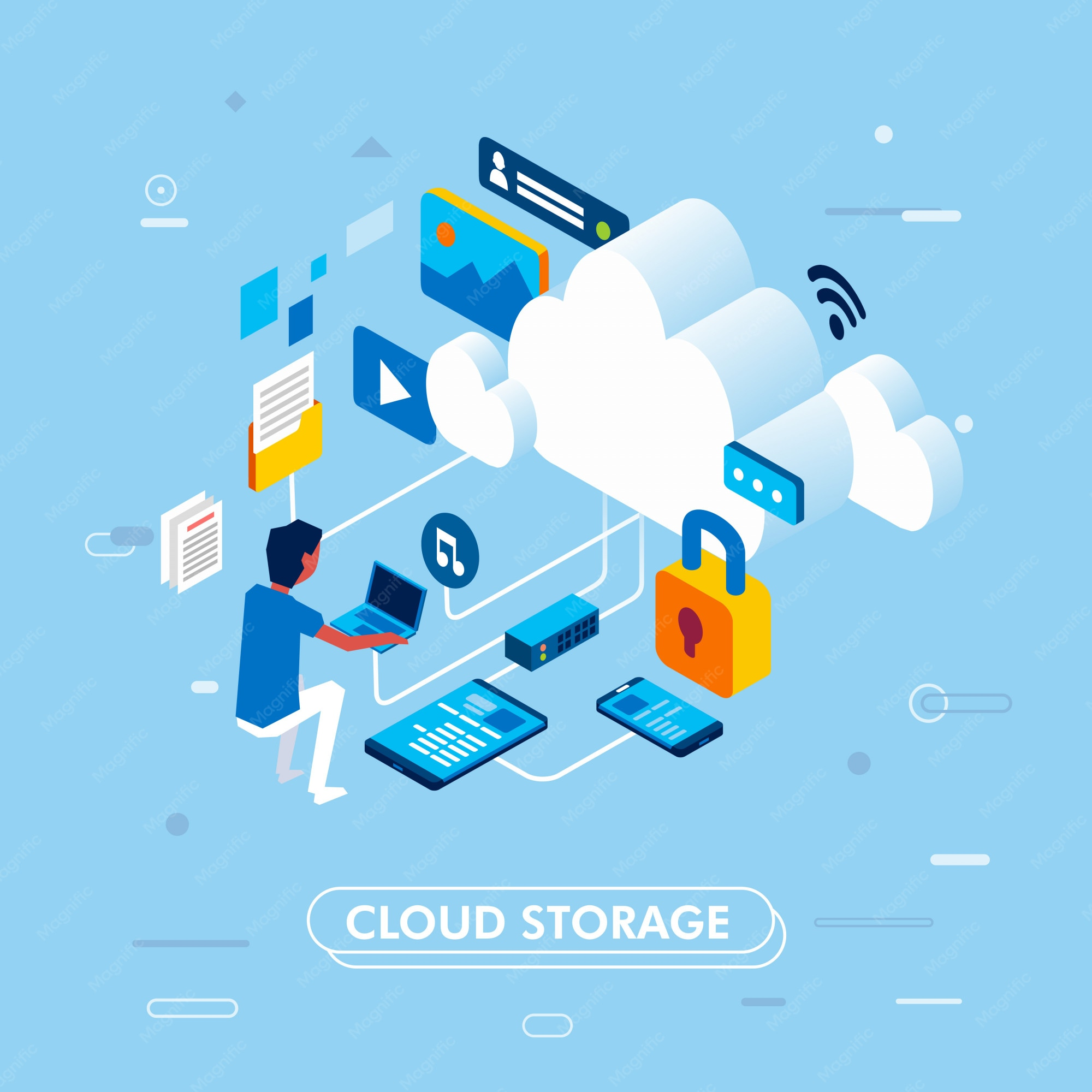
Cloud storage is a service that allows data to be stored, managed, and accessed through internet-connected infrastructure operated by a cloud provider.
Instead of storing files exclusively on local devices or on-premises servers, organizations place data within remote systems maintained by specialized providers.
Users access their information through:
- Web browsers
- Applications
- APIs
- Synchronization tools
- Management platforms
From a user's perspective, the process feels simple.
Save a file.
Open it later.
Share it with colleagues.
Restore it if necessary.
Behind that simplicity lies a sophisticated ecosystem of servers, networking infrastructure, security controls, replication systems, and management technologies.
The cloud does not eliminate storage.
It abstracts it.
And that abstraction changes everything.
Why Cloud Storage Emerged
For many years, organizations managed their own storage infrastructure.
The process was familiar.
Purchase hardware.
Install equipment.
Configure systems.
Maintain capacity.
Replace aging components.
Repeat.
The model worked reasonably well when data volumes were predictable.
Eventually, they stopped being predictable.
Businesses began generating information at unprecedented rates.
Applications expanded.
Media files grew larger.
Backup requirements multiplied.
Remote work increased access demands.
Traditional storage models struggled to keep pace.
Cloud storage emerged as an alternative.
Not because physical storage disappeared.
Because managing it became increasingly complex.
Organizations sought flexibility.
Cloud providers offered it.
How Cloud Storage Actually Works
The phrase "stored in the cloud" creates an interesting illusion.
Data does not float through the atmosphere.
It resides in physical facilities.
Very large ones.
The Physical Foundation
Cloud providers operate data centers containing vast collections of servers and storage systems.
These facilities house:
- Storage drives
- Network equipment
- Power systems
- Cooling infrastructure
- Security controls
The hardware is tangible.
The experience is not.
Users interact with software interfaces rather than physical devices.
Data Distribution
One of the defining characteristics of cloud storage is replication.
Instead of maintaining a single copy of a file, providers often create multiple copies across different systems.
This redundancy improves:
- Reliability
- Availability
- Disaster recovery
- Data durability
If one component fails, another copy remains available.
The user may never notice anything happened.
That invisibility is intentional.
Internet-Based Access
Cloud storage relies on network connectivity.
Authorized users can access files from virtually any location using supported devices.
The emphasis shifts from device ownership to data accessibility.
Files become independent of the machines used to create them.
The Three Main Types of Cloud Storage
Not all cloud storage serves the same purpose.
Different workloads require different architectures.
Three primary models dominate modern environments.
Object Storage
Object storage organizes data as discrete objects rather than traditional files or blocks.
Each object contains:
- The data itself
- Metadata
- A unique identifier
This structure makes object storage highly scalable.
It is commonly used for:
- Backups
- Images
- Videos
- Archives
- Application content
Many cloud-native applications depend heavily on object storage because it handles enormous volumes efficiently.
File Storage
File storage resembles traditional shared folders.
Users navigate directories and access files through familiar structures.
This approach remains popular for:
- Team collaboration
- Shared documents
- Departmental storage
- Enterprise workflows
Its familiarity is part of its strength.
Block Storage
Block storage divides information into fixed-sized blocks.
Applications interact directly with these blocks, enabling high-performance operations.
Typical use cases include:
- Databases
- Enterprise applications
- Virtual machines
- Transaction-intensive systems
When performance matters, block storage often becomes the preferred choice.
Comparing Cloud Storage Models
The distinctions become clearer when viewed side by side.
| Storage Type | Structure | Common Uses | Scalability | Performance |
|---|---|---|---|---|
| Object Storage | Objects with metadata | Backups, media, archives | Extremely High | Moderate |
| File Storage | Directory-based files | Shared documents, collaboration | High | Moderate |
| Block Storage | Fixed data blocks | Databases, VMs, enterprise apps | High | High |
| Local Storage | Device-based storage | Individual systems | Limited | High |
| On-Premises Storage | Internal infrastructure | Enterprise environments | Moderate | Variable |
The table highlights a broader truth.
Cloud storage is not one technology.
It is a collection of approaches designed for different business outcomes.
The Benefits That Drive Adoption
Organizations rarely adopt technology because it sounds impressive.
They adopt it because it solves practical problems.
Cloud storage addresses several.
Scalability
Traditional storage often requires forecasting future demand.
Businesses must purchase capacity before they need it.
Cloud storage changes the equation.
Organizations can expand resources as requirements grow.
This flexibility reduces waste and improves planning.
Accessibility
Data becomes available wherever authorized users require access.
Employees working remotely.
Distributed teams.
International offices.
Cloud storage supports modern work patterns without requiring complex infrastructure.
Cost Efficiency
Businesses avoid many capital expenditures associated with purchasing and maintaining storage hardware.
Instead, costs typically align more closely with actual usage.
This shift improves financial flexibility.
Reliability
Cloud providers invest heavily in redundancy and resilience.
Multiple copies of data reduce the risk of permanent loss.
Infrastructure failures still occur.
The consequences are often less severe.
Simplified Management
Organizations spend less time managing hardware and more time focusing on business priorities.
That operational shift is frequently underestimated.
The Security Question
No discussion of cloud storage remains complete without addressing security.
For some organizations, this remains the defining concern.
The concern is understandable.
Data represents one of the most valuable assets businesses possess.
Common Security Features
Cloud storage platforms often include:
- Encryption
- Identity management
- Access controls
- Audit logging
- Threat monitoring
These protections help safeguard information from unauthorized access.
Shared Responsibility
An important nuance exists.
Cloud providers secure the infrastructure.
Customers remain responsible for how they manage access, permissions, and data usage.
Many security incidents originate not from provider failures but from configuration mistakes.
Technology can reduce risk.
It cannot eliminate human error.
The Lesson I Learned About Storage
Several years ago, I observed a company navigating a storage crisis.
Data growth had quietly outpaced infrastructure planning.
Servers were approaching capacity.
Backups were becoming unreliable.
Expansion projects seemed inevitable.
Conversations initially focused on hardware.
Larger arrays.
Additional equipment.
More physical resources.
Then the organization evaluated cloud storage alternatives.
The discussion changed almost immediately.
Instead of asking how much storage they could afford to purchase, they began asking how much storage they actually needed.
The distinction was subtle.
The impact was significant.
What struck me most was not the technology itself.
It was how cloud storage shifted thinking from ownership to availability.
The organization stopped treating storage as an asset to acquire and started treating it as a capability to consume.
That mindset increasingly defines modern infrastructure strategy.
Cloud Storage and Business Continuity
One of cloud storage's most valuable characteristics often receives less attention than scalability or cost.
Resilience.
Business continuity depends on data availability.
Without access to information, operations slow or stop entirely.
Cloud storage supports continuity through:
- Automated backups
- Geographic redundancy
- Replication services
- Disaster recovery options
These capabilities help organizations recover more quickly from disruptions.
Whether the issue involves hardware failure, accidental deletion, or broader operational challenges, cloud-based recovery options provide meaningful protection.
Common Business Uses for Cloud Storage
The versatility of cloud storage explains its widespread adoption.
Organizations use it for:
Backup and Recovery
Protecting critical business information remains a primary use case.
Application Storage
Modern applications frequently store data directly within cloud environments.
Collaboration
Teams share, edit, and manage documents across locations.
Data Archiving
Long-term retention requirements often align well with cloud storage services.
Media Management
Large files such as images and videos benefit from scalable storage environments.
The variety of use cases illustrates a broader point.
Cloud storage is no longer a niche technology.
It has become foundational infrastructure.
The Future of Cloud Storage
Storage requirements continue expanding.
Artificial intelligence, analytics, connected devices, and digital services generate enormous volumes of information.
Organizations require storage systems capable of adapting.
Cloud storage offers that adaptability.
The underlying technologies will continue evolving.
Performance will improve.
Automation will increase.
Management tools will become more sophisticated.
Yet the central value proposition remains remarkably consistent.
Provide access to data without requiring organizations to manage every aspect of the infrastructure supporting it.
Conclusion: Cloud Storage Is Really About Freedom
At first glance, cloud storage appears to be a discussion about files.
Folders.
Capacity.
Gigabytes.
Terabytes.
Those details matter.
But they are not the most interesting part of the story.
The true significance of cloud storage lies in the freedom it creates.
Freedom from hardware constraints.
Freedom from rigid capacity planning.
Freedom from tying information to a specific device or location.
Businesses increasingly depend on data.
The challenge is no longer generating information.
It is managing it effectively.
Cloud storage addresses that challenge by transforming storage from a physical asset into a flexible service.
And perhaps that is why its influence continues to grow.
Not because it changes where data lives.
Because it changes what organizations can do with it.
- Arts
- Business
- Computers
- Παιχνίδια
- Health
- Κεντρική Σελίδα
- Kids and Teens
- Money
- News
- Personal Development
- Recreation
- Regional
- Reference
- Science
- Shopping
- Society
- Sports
- Бизнес
- Деньги
- Дом
- Досуг
- Здоровье
- Игры
- Искусство
- Источники информации
- Компьютеры
- Личное развитие
- Наука
- Новости и СМИ
- Общество
- Покупки
- Спорт
- Страны и регионы
- World

 English
 Russian
 French
 Spanish
 Portuguese
 Deutsch
 Turkish
 Dutch
Dutch
 Italiano
 Arabic
 Romaian
 Portuguese (Brazil)
