
How Do I Create a Google AdWords Account?
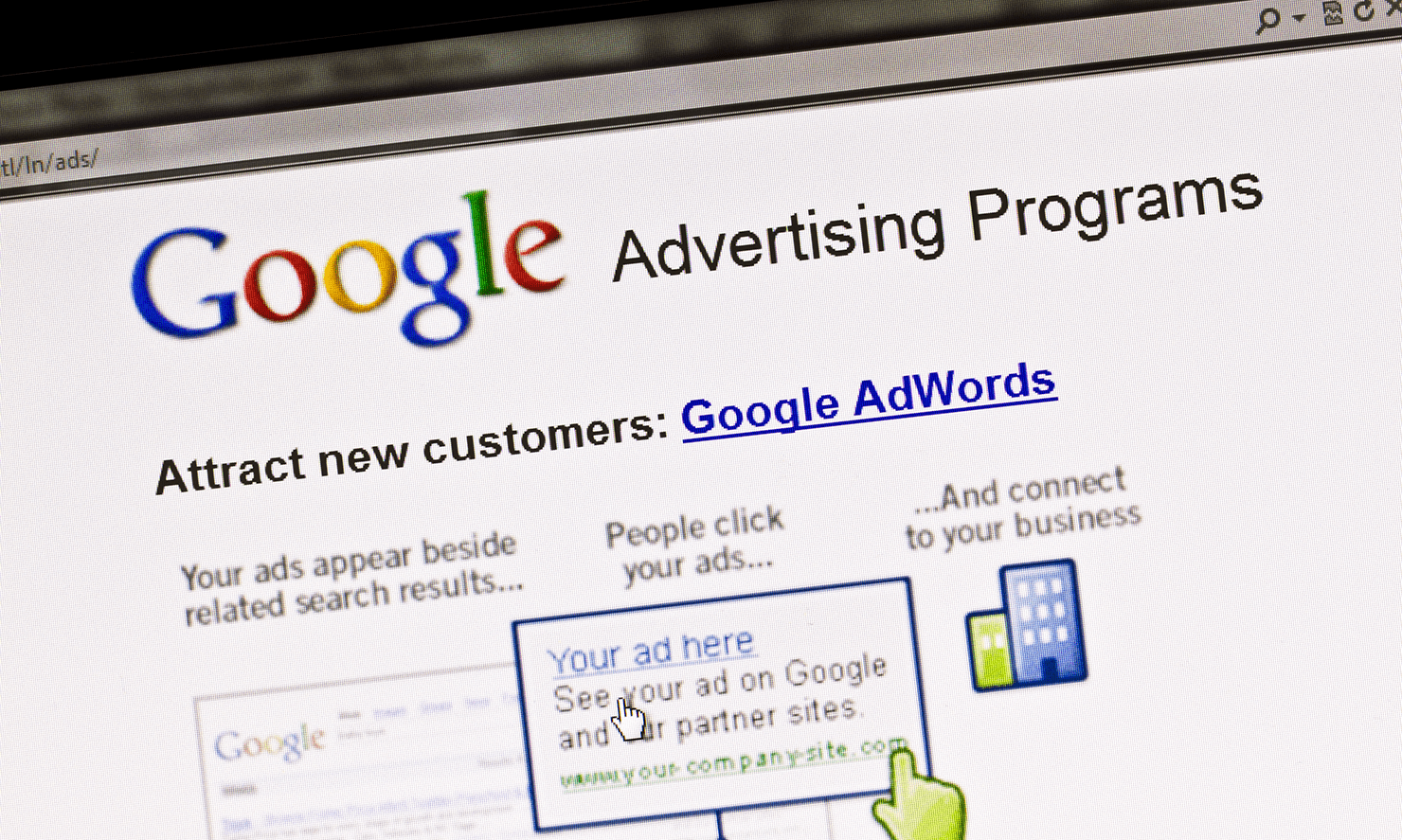
Creating a Google AdWords account—now officially called a Google Ads account—is the first practical step toward advertising on Google. While the process may appear simple at first glance, many advertisers rush through setup and unknowingly make decisions that affect performance, costs, and scalability later on.
Google Ads is designed to be accessible to beginners while powerful enough for advanced advertisers. However, the initial setup determines how much control you retain, how data is tracked, and how effectively campaigns align with your business goals.
This article explains how to create a Google AdWords account from start to finish, including requirements, setup options, common pitfalls, and best practices to ensure a strong foundation for long-term success.
What You Need Before Creating a Google AdWords Account
Before starting the setup process, it’s important to prepare a few essentials.
A Google Account
You must have a Google account to access Google Ads.
This can be:
-
A personal Gmail account
-
A business Google Workspace account
Using a business account is recommended for long-term management and access control.
A Website or Landing Page
While some campaign types allow limited alternatives, most Google Ads campaigns require:
-
A functional website
-
A clear landing page relevant to your ads
The quality of this page directly affects approval and performance.
A Payment Method
Google Ads requires a valid payment method to activate campaigns.
Accepted options typically include:
-
Credit or debit cards
-
Bank transfers (in some regions)
Billing information is required even if you plan to start with a small budget.
Clear Advertising Goals
Before creating the account, define your primary objective:
-
Website traffic
-
Leads
-
Sales
-
Brand awareness
Goals influence setup choices and campaign structure.
Step One: Accessing Google Ads
To begin account creation:
-
Go to the Google Ads platform
-
Sign in with your Google account
-
Select “Start now” or “New Google Ads account”
Google will guide you through an onboarding flow.
Understanding the Smart Mode vs Expert Mode Choice
One of the most important early decisions is choosing between Smart Mode and Expert Mode.
Smart Mode Explained
Smart Mode is designed for beginners.
Features include:
-
Automated targeting and bidding
-
Simplified campaign setup
-
Limited customization
While convenient, Smart Mode restricts control and transparency.
Expert Mode Explained
Expert Mode provides full access to Google Ads features.
Benefits include:
-
Manual and automated bidding options
-
Advanced targeting
-
Detailed reporting
For serious advertisers, Expert Mode is strongly recommended—even for beginners.
How to Switch to Expert Mode
During setup:
-
Look for “Switch to Expert Mode”
-
This option is often small and easy to miss
Choosing Expert Mode does not make the platform harder—it simply gives you flexibility.
Step Two: Defining Your Advertising Goal
Google Ads asks you to select a campaign goal.
Common options include:
-
Sales
-
Leads
-
Website traffic
-
Brand awareness and reach
You can also choose to create a campaign without a goal, which provides maximum control.
Why Goals Matter in Account Setup
Goals influence:
-
Campaign recommendations
-
Bidding strategies
-
Reporting emphasis
Selecting the wrong goal can limit optimization options later.
Step Three: Choosing Campaign Type
Next, Google asks you to select a campaign type.
Options include:
-
Search
-
Display
-
Video
-
Shopping
-
App
For new advertisers, Search campaigns are often the best starting point due to high intent.
Search Campaigns as a Starting Point
Search campaigns allow ads to appear when users actively search for related terms.
They offer:
-
Clear intent
-
Measurable performance
-
Strong conversion potential
This makes them ideal for beginners.
Step Four: Business Information and Targeting
Google will ask for basic business details, including:
-
Business name
-
Website URL
This information is used to generate ad previews and recommendations.
Geographic Targeting Setup
You must specify where your ads should appear.
Options include:
-
Countries
-
Regions
-
Cities
-
Radius targeting
Precise targeting prevents wasted spend.
Language Targeting
Language targeting should match:
-
The language of your ads
-
The language of your landing page
Incorrect language settings reduce relevance.
Step Five: Budget and Bidding Setup
At this stage, Google asks you to set:
-
A daily budget
-
A bidding strategy
Setting a Daily Budget
Your daily budget determines:
-
How often ads show
-
Maximum average daily spend
Start conservatively. Budgets can be adjusted anytime.
Choosing a Bidding Strategy
Google may recommend automated bidding.
Common options include:
-
Maximize clicks
-
Maximize conversions
For new accounts, starting with Maximize Clicks or manual CPC can provide useful data.
Step Six: Writing Your First Ad
Google Ads requires at least one ad per ad group.
For search campaigns, this includes:
-
Headlines
-
Descriptions
-
Display URL
Ad copy should align closely with keywords and landing pages.
Responsive Search Ads
Google Ads now primarily uses responsive search ads.
Advertisers provide multiple headlines and descriptions.
Google tests combinations to find top performers.
This increases relevance and flexibility.
Step Seven: Keyword Selection
Keywords determine when your ads appear.
During setup, Google suggests keywords based on your website and industry.
Review these carefully.
Avoid overly broad keywords early on.
Choosing the Right Match Types
Keyword match types control reach.
Options include:
-
Broad match
-
Phrase match
-
Exact match
Beginners often benefit from phrase and exact match for better control.
Step Eight: Conversion Tracking Setup
Conversion tracking is critical.
It allows you to measure:
-
Leads
-
Sales
-
Sign-ups
Without conversion tracking, optimization is limited.
How to Set Up Conversion Tracking
Conversion tracking can be implemented via:
-
Google Ads tag
-
Google Analytics integration
This step may require technical support but is essential.
Step Nine: Billing and Payment Setup
Before ads can run, billing must be configured.
You will need to:
-
Add a payment method
-
Choose automatic or manual payments
-
Confirm billing country and currency
Billing settings cannot be changed easily later.
Step Ten: Review and Launch
Before launching:
-
Review targeting settings
-
Confirm budget
-
Check ad copy
-
Verify tracking
Once launched, ads enter a review period.
Ad Review and Approval Process
Google reviews ads for:
-
Policy compliance
-
Content accuracy
-
Landing page quality
Most reviews complete within 24 hours.
After Account Creation: What Happens Next
Once the account is live:
-
Ads enter auctions
-
Performance data begins accumulating
-
Learning phase starts
Expect fluctuations early on.
Common Mistakes During Account Setup
Common beginner mistakes include:
-
Using Smart Mode unknowingly
-
Setting overly broad targeting
-
Skipping conversion tracking
-
Accepting default recommendations blindly
Avoiding these improves outcomes significantly.
Best Practices for New Google Ads Accounts
Best practices include:
-
Start with one campaign
-
Focus on high-intent keywords
-
Monitor performance daily
-
Make gradual adjustments
Simplicity improves learning.
Managing Access and Permissions
Google Ads allows multiple users.
You can assign roles such as:
-
Admin
-
Standard user
-
Read-only
This is important for agencies and teams.
Linking Google Ads With Other Tools
Linking improves insight and performance.
Common integrations include:
-
Google Analytics
-
Google Search Console
-
Google Merchant Center
These connections enhance reporting.
Account Structure and Long-Term Planning
Think beyond the first campaign.
A well-structured account:
-
Scales efficiently
-
Improves Quality Score
-
Simplifies management
Planning early prevents future restructuring.
When to Expand After Setup
Once initial campaigns stabilize, consider expanding to:
-
Additional keywords
-
New locations
-
Display or video campaigns
Expansion should be data-driven.
Learning Curve and Expectations
Google Ads has a learning curve.
Early performance does not define long-term success.
Continuous testing and optimization matter more than perfection.
Security and Account Protection
Protect your account by:
-
Enabling two-factor authentication
-
Limiting admin access
-
Monitoring billing activity
Security is often overlooked but critical.
Why Proper Setup Matters
Account setup affects:
-
Cost efficiency
-
Reporting accuracy
-
Scalability
A strong foundation saves time and money.
Conclusion
Creating a Google AdWords account is more than just signing up—it is the foundation of your advertising strategy. From choosing Expert Mode to setting budgets, targeting, keywords, and conversion tracking, each decision shapes performance and cost efficiency. While Google Ads is designed to be user-friendly, thoughtful setup is essential to avoid limitations and wasted spend.
By understanding each step and following best practices, advertisers can launch campaigns with confidence, clarity, and control. A well-built Google Ads account doesn’t just run ads—it creates a system for measurable, scalable growth.
- Arts
- Business
- Computers
- Jeux
- Health
- Domicile
- Kids and Teens
- Argent
- News
- Personal Development
- Recreation
- Regional
- Reference
- Science
- Shopping
- Society
- Sports
- Бизнес
- Деньги
- Дом
- Досуг
- Здоровье
- Игры
- Искусство
- Источники информации
- Компьютеры
- Личное развитие
- Наука
- Новости и СМИ
- Общество
- Покупки
- Спорт
- Страны и регионы
- World

 English
 Russian
 Spanish
 Portuguese
 Deutsch
 Turkish
 Dutch
Dutch
 Italiano
 Arabic
 Romaian
 Portuguese (Brazil)
 Greek
Greek