
How to avoid distractions (phone, social media)?
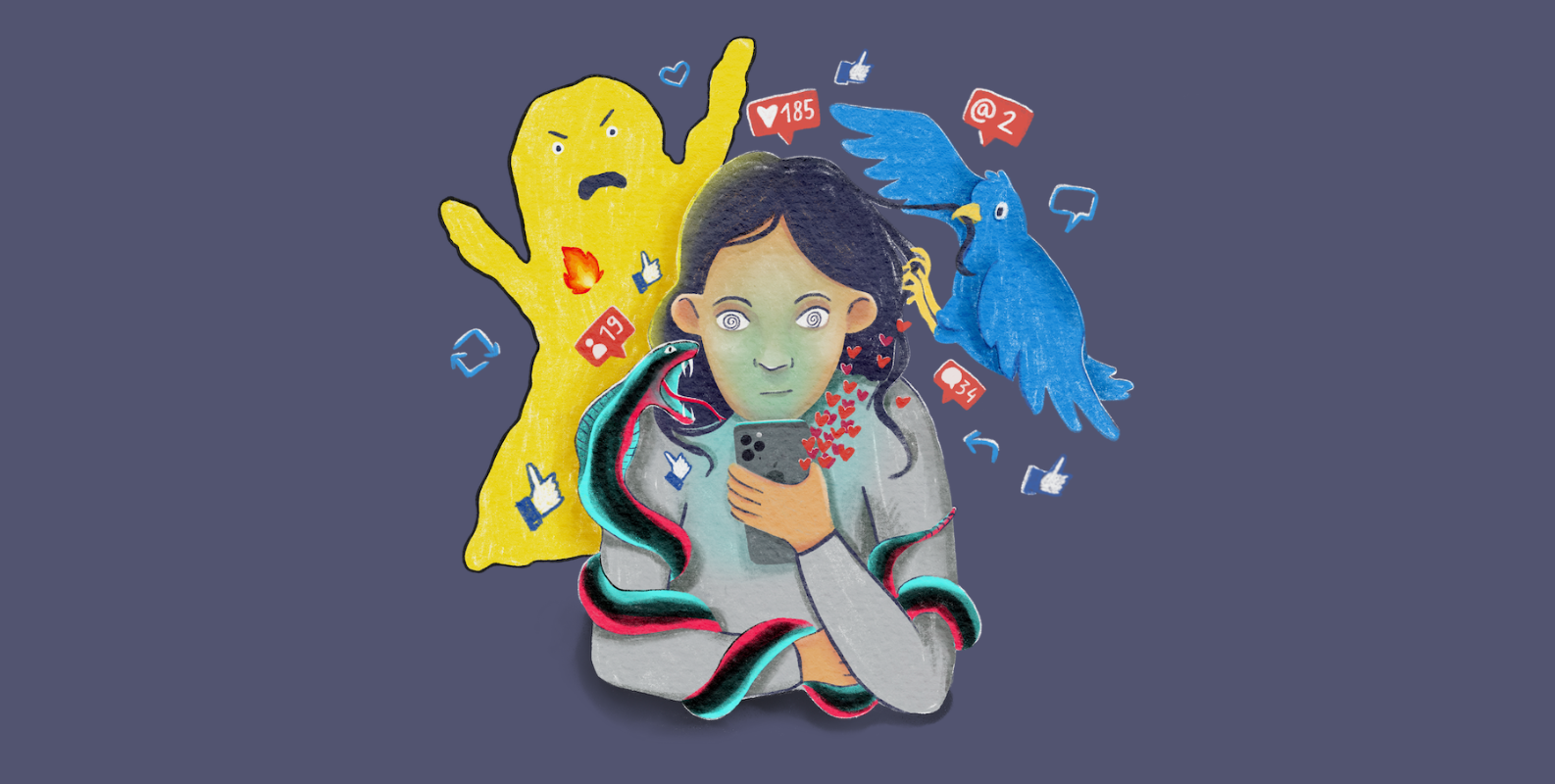
How to Avoid Distractions (Phone, Social Media)
Distractions—especially from smartphones and social media—are among the most persistent barriers to productivity, focus, and meaningful work in modern life. Unlike older forms of distraction, digital distractions are engineered to capture attention repeatedly and indefinitely. They are not passive interruptions; they are actively optimized systems designed to keep you engaged.
Avoiding distractions is therefore not just a matter of “willpower.” It requires understanding how attention works, how apps are designed, and how to construct environments and habits that make focus the default behavior.
This article provides a deep, practical framework for reducing and controlling distractions from phones and social media.
1. Understand Why Distractions Are So Powerful
To effectively avoid distractions, you must first understand why they are so hard to resist.
1.1 Dopamine-Driven Feedback Loops
Social media platforms and apps are designed around reward systems:
-
Likes
-
Notifications
-
New content
-
Infinite scrolling
Each interaction delivers a small reward signal to the brain, reinforcing the behavior.
This creates a loop:
Trigger → Action → Reward → Repeat
Over time, your brain begins to prefer these fast rewards over slower tasks like studying or working.
1.2 Infinite Content Supply
Unlike traditional media, social media never ends:
-
There is always more content
-
There is always another post
This removes natural stopping points, making it easy to lose time unintentionally.
1.3 Low Effort, High Stimulation
Distractions are attractive because they require:
-
No mental effort
-
No commitment
-
Immediate gratification
Compared to focused work, which requires:
-
Concentration
-
Effort
-
Delayed rewards
the imbalance is obvious.
2. Reduce Access to Distractions
The simplest and most effective strategy is increasing friction.
2.1 Physically Distance Your Phone
If your phone is:
-
On your desk → high distraction risk
-
In another room → lower distraction risk
Distance reduces impulsive checking.
2.2 Use “Out of Reach” Placement
Place your phone:
-
In a bag
-
On a shelf
-
In another room
Even small friction reduces habitual checking.
2.3 Turn Off Notifications
Notifications are constant interruption triggers.
To reduce them:
-
Disable non-essential notifications
-
Keep only critical alerts (calls/messages if necessary)
Fewer interruptions = more sustained focus.
3. Control Digital Environment
Your digital environment is as important as your physical one.
3.1 Remove Social Media from Home Screen
If an app is:
-
Visible → easily accessible
-
Hidden → requires intention
This small change reduces impulsive use significantly.
3.2 Log Out of Apps
Logging out adds friction:
-
You must re-enter credentials
-
You pause before accessing
This interruption reduces automatic behavior.
3.3 Use Website and App Blockers
Tools that restrict access during work periods:
-
Block social media sites
-
Limit usage during specific hours
This enforces boundaries when self-control is low.
4. Replace Distractions, Don’t Just Remove Them
Removing distractions without replacement often fails.
Instead, replace them with:
-
Short breaks
-
Physical movement
-
Light activities
Your brain still needs stimulation—it just needs healthier alternatives.
5. Structure Your Time
Unstructured time leads to distraction.
5.1 Time Blocking
Assign specific periods for tasks:
-
9:00–10:00 → study
-
10:00–10:15 → break
When time is structured, distractions have less opportunity to interrupt.
5.2 Use Focus Sessions
Methods like:
-
25-minute focused work
-
5-minute breaks
help maintain attention and reduce temptation to check your phone.
6. Understand the “Trigger Moments”
Distraction is often triggered by:
-
Boredom
-
Mental fatigue
-
Task difficulty
-
Emotional discomfort
Recognizing these moments is key.
When you feel the urge to check your phone, ask:
“What am I avoiding right now?”
Often, the distraction is an escape from discomfort.
7. Make Work Easier to Start
Distractions become more appealing when work feels difficult to begin.
Reduce friction in work by:
-
Breaking tasks into small steps
-
Defining the first action clearly
-
Starting with easy tasks
If work is easier to start, distractions lose appeal.
8. Use the “Delay Technique”
Instead of immediately giving in to distraction:
-
Delay it by 5–10 minutes
-
Continue working during that time
Often, the urge fades naturally.
This builds impulse control over time.
9. Build Awareness of Usage
Many distractions are automatic.
To fix this:
-
Track screen time
-
Monitor app usage
-
Notice patterns
Awareness reduces unconscious behavior.
10. Set Clear Boundaries for Phone Use
Instead of random usage, define rules:
-
No phone during work blocks
-
No social media in the morning
-
Check messages only at specific times
Boundaries turn habits into controlled behavior.
11. Use “Single Task Focus”
Multitasking increases distraction.
To improve focus:
-
Work on one task only
-
Avoid switching between apps or tabs
Each switch weakens attention.
12. Reduce Emotional Dependence on Phone Use
Many people use phones for:
-
Stress relief
-
Avoiding boredom
-
Escaping discomfort
To reduce dependency:
-
Identify emotional triggers
-
Replace with healthier coping methods
Examples:
-
Walking
-
Breathing exercises
-
Short breaks away from screens
13. Improve Your Work Environment
Environment strongly influences behavior.
To reduce distractions:
-
Keep desk clean
-
Remove unnecessary devices
-
Use a dedicated workspace
A focused environment encourages focused behavior.
14. Schedule Social Media Intentionally
Instead of random use:
-
Assign specific time windows
Example:
-
20 minutes in the evening
This prevents continuous fragmentation of attention.
15. Strengthen Attention Through Practice
Focus is a skill.
To improve it:
-
Practice working without distractions
-
Gradually increase focus duration
-
Resist checking devices during work
Over time, attention control improves.
16. Understand the Cost of Distraction
Each distraction:
-
Breaks concentration
-
Requires time to refocus
-
Reduces productivity
Awareness of this cost increases motivation to avoid it.
17. Use Accountability
External accountability reduces distraction.
Examples:
-
Study with others
-
Share goals
-
Use focus apps with accountability features
Social pressure increases adherence to focus.
18. Accept That Urges Are Normal
The urge to check your phone:
-
Is expected
-
Will happen regularly
The goal is not to eliminate urges but to:
-
Notice them
-
Not act on them immediately
19. Build Focus Habits Gradually
You cannot eliminate distraction overnight.
Start small:
-
10 minutes of focused work
-
Gradually increase duration
Consistency builds discipline.
20. Replace Passive Consumption with Active Work
Instead of:
-
Scrolling social media
Do:
-
Reading
-
Writing
-
Learning
Active tasks build engagement and reduce passive distraction habits.
Conclusion
Avoiding distractions from phones and social media is not about complete elimination—it is about control, structure, and intentionality.
The most effective strategies include:
-
Increasing friction
-
Structuring time
-
Reducing triggers
-
Building focus habits
-
Understanding emotional drivers
When you combine environmental control with behavioral awareness, distractions lose much of their power.
Ultimately, the goal is not to fight your phone constantly, but to design your life so that focus becomes easier than distraction.
- Arts
- Business
- Computers
- Игры
- Health
- Главная
- Kids and Teens
- Деньги
- News
- Personal Development
- Recreation
- Regional
- Reference
- Science
- Shopping
- Society
- Sports
- Бизнес
- Деньги
- Дом
- Досуг
- Здоровье
- Игры
- Искусство
- Источники информации
- Компьютеры
- Личное развитие
- Наука
- Новости и СМИ
- Общество
- Покупки
- Спорт
- Страны и регионы
- World

 English
 French
 Spanish
 Portuguese
 Deutsch
 Turkish
 Dutch
Dutch
 Italiano
 Arabic
 Romaian
 Portuguese (Brazil)
 Greek
Greek