
How to Implement Automation in a Company?
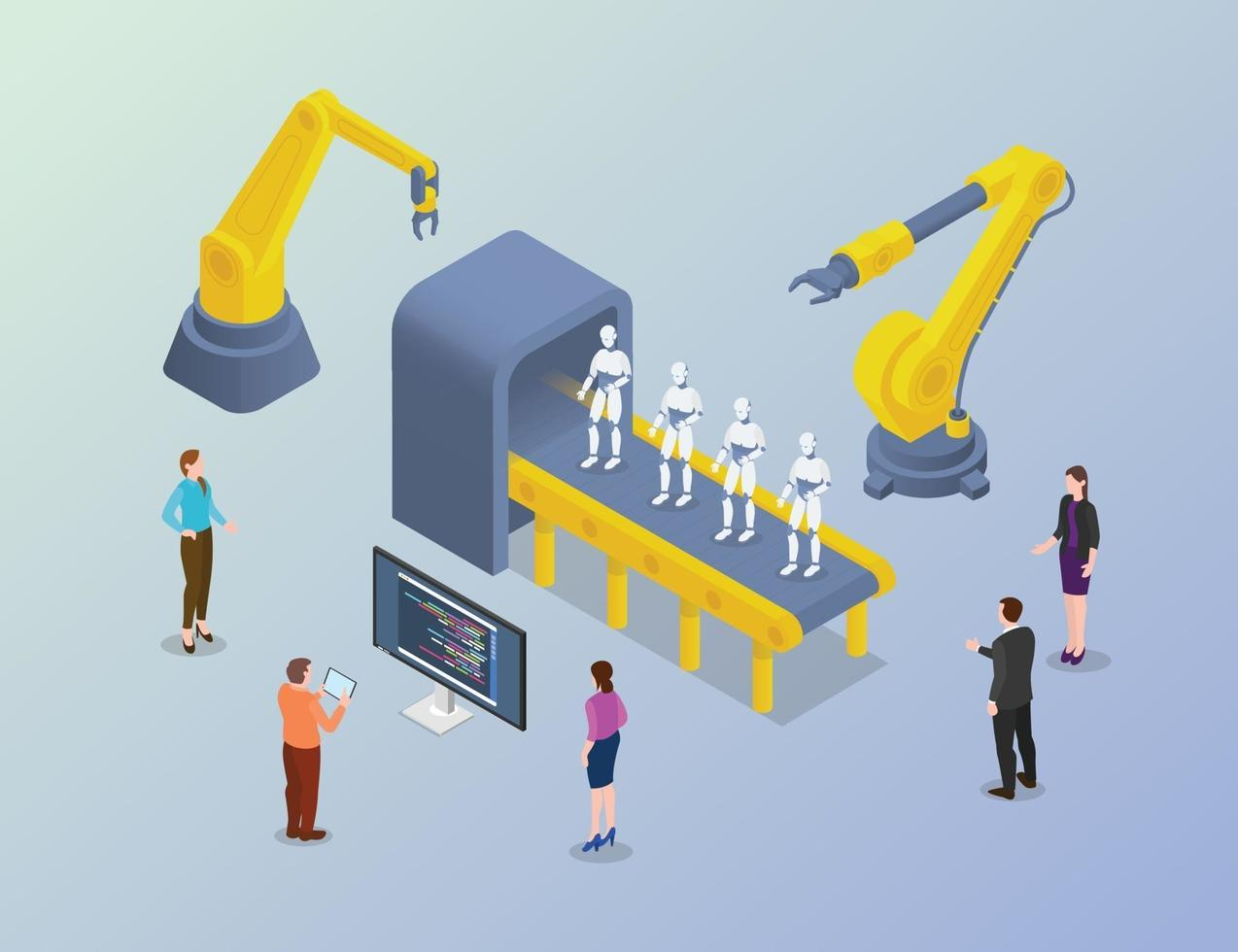
Implementing automation in a company is not just about installing software—it’s about improving how work gets done. When done correctly, automation can streamline operations, reduce costs, and boost productivity. But if done poorly, it can create confusion and inefficiency.
The key is to follow a structured, step-by-step approach.
Understanding Automation Implementation
Automation implementation means introducing tools and systems that perform tasks automatically.
This includes:
- Replacing manual processes
- Streamlining workflows
- Integrating systems
Tools like Microsoft Power Automate and Zapier are commonly used for this purpose.
Step 1: Identify Repetitive Tasks
Start by finding tasks that:
- Are repetitive
- Take a lot of time
- Are prone to errors
Examples include:
- Data entry
- Report generation
- Email responses
These are the best candidates for automation.
Step 2: Set Clear Goals
Before implementing automation, define what you want to achieve.
For example:
- Reduce workload
- Improve efficiency
- Minimize errors
Clear goals help guide the process.
Step 3: Choose the Right Tools
Select tools based on your needs.
Popular options include:
- Zapier for simple integrations
- Microsoft Power Automate for advanced workflows
- Microsoft Excel for data automation
Choosing the right tool is critical.
Step 4: Map Your Processes
Before automating, understand how your current processes work.
You should:
- List each step
- Identify inefficiencies
- Simplify the process
Automation works best on well-defined workflows.
Step 5: Start Small
Don’t try to automate everything at once.
Begin with:
- One simple process
- A small team
- A limited workflow
This reduces risk and helps you learn.
Step 6: Build and Test Automation
Create your automation workflow.
Then:
- Test it carefully
- Check for errors
- Make improvements
Testing ensures reliability.
Step 7: Train Employees
Employees need to understand how to use automation tools.
Training helps:
- Improve adoption
- Reduce confusion
- Increase efficiency
Well-trained teams get better results.
Step 8: Monitor Performance
After implementation, track how automation performs.
You should:
- Measure time saved
- Check accuracy
- Identify issues
Monitoring helps improve the system.
Step 9: Scale Gradually
Once your first automation works well:
- Expand to other processes
- Add more workflows
- Integrate additional tools
Gradual scaling is safer and more effective.
Step 10: Continuously Improve
Automation is not a one-time task.
You should:
- Update workflows
- Improve processes
- Adapt to new needs
Continuous improvement ensures long-term success.
Benefits of Proper Implementation
When done correctly, automation:
- Saves time
- Reduces errors
- Improves productivity
- Enhances efficiency
These benefits impact the entire organization.
Common Mistakes to Avoid
Avoid these common errors:
- Automating inefficient processes
- Skipping testing
- Not training employees
- Trying to automate everything at once
These mistakes can reduce effectiveness.
Real-Life Example
A company automates invoice processing:
- Before: Employees manually enter data
- After: System processes invoices automatically
Result:
- Faster processing
- Fewer errors
- Lower workload
Importance of Change Management
Automation introduces change.
To manage it:
- Communicate clearly
- Involve employees
- Address concerns
This ensures smooth adoption.
Integration with Existing Systems
Automation works best when systems are connected.
Examples:
- Email → Task management
- Forms → Data storage
Tools like Zapier help integrate systems.
Security Considerations
Automation involves handling data.
You must:
- Protect sensitive information
- Use secure tools
- Control access
Security is essential.
Cost Considerations
Automation may require initial investment.
However:
- Long-term savings are significant
- Efficiency improves
- Costs decrease over time
It is a valuable investment.
Role of Leadership
Successful implementation requires strong leadership.
Leaders should:
- Support automation initiatives
- Provide resources
- Encourage learning
Leadership drives success.
Future of Automation Implementation
Automation is evolving rapidly.
Future trends include:
- AI-powered workflows
- Smart decision-making systems
- Advanced integrations
Companies must stay updated.
Conclusion
Implementing automation in a company requires careful planning, the right tools, and continuous improvement. By using tools like Microsoft Power Automate, Zapier, and Microsoft Excel, businesses can streamline operations and improve efficiency.
Start small, scale gradually, and keep improving—this is the key to successful automation.
- Arts
- Business
- Computers
- Spiele
- Health
- Startseite
- Kids and Teens
- Geld
- News
- Personal Development
- Recreation
- Regional
- Reference
- Science
- Shopping
- Society
- Sports
- Бизнес
- Деньги
- Дом
- Досуг
- Здоровье
- Игры
- Искусство
- Источники информации
- Компьютеры
- Личное развитие
- Наука
- Новости и СМИ
- Общество
- Покупки
- Спорт
- Страны и регионы
- World

 English
 Russian
 French
 Spanish
 Portuguese
 Turkish
 Dutch
Dutch
 Italiano
 Arabic
 Romaian
 Portuguese (Brazil)
 Greek
Greek