
What supplies are needed for working from home?
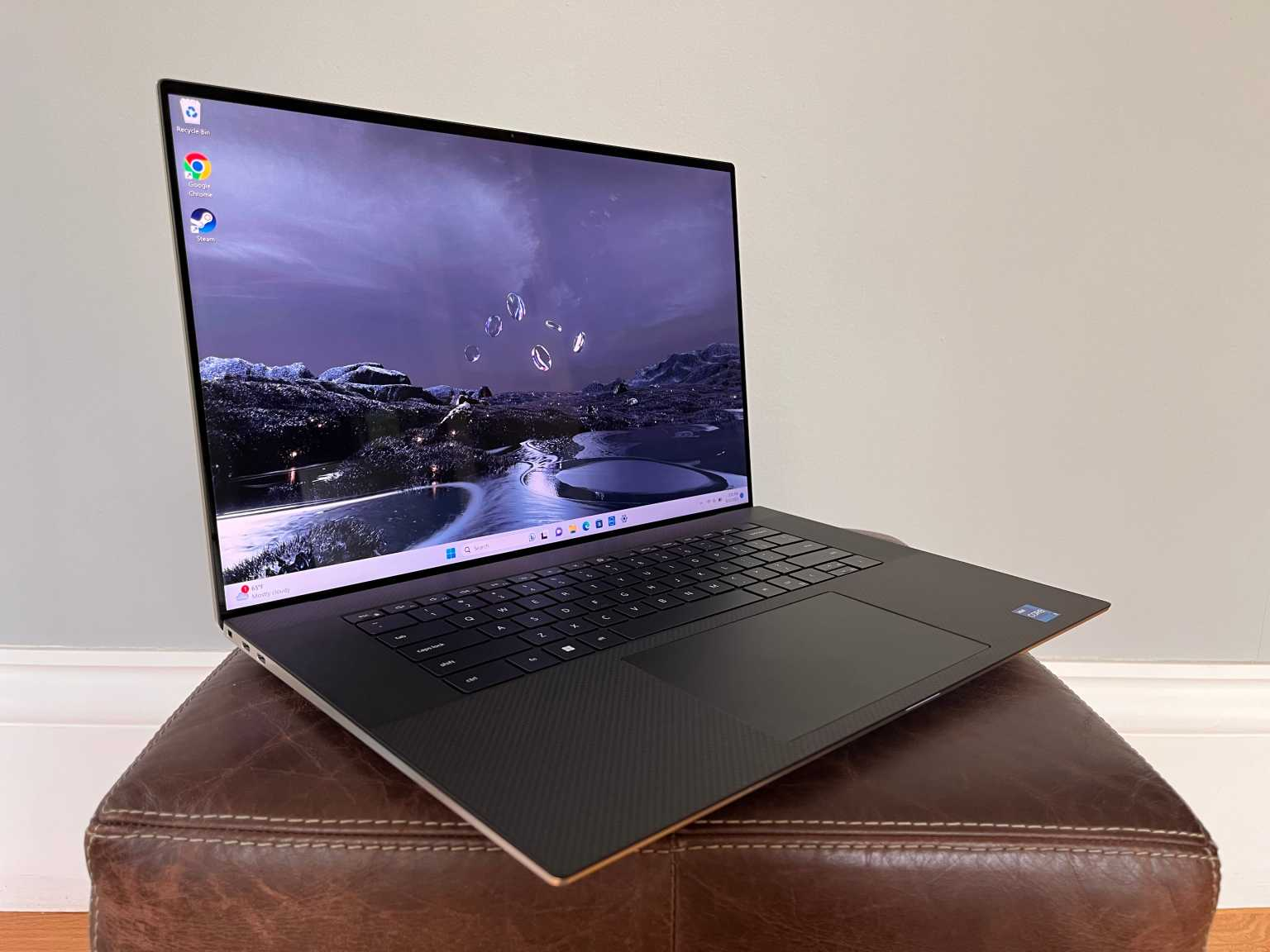
At first, it seemed temporary.
A laptop placed between a coffee mug and yesterday’s mail. A chair that wasn’t designed for eight hours of sitting. A charger stretched just far enough to reach the outlet.
It worked—until it didn’t.
Meetings became harder to focus on. Notes were scattered. Tasks blurred into each other. The space felt less like a workplace and more like an improvisation that never quite stabilized.
That’s when the realization surfaced, quietly but unmistakably:
Working from home isn’t just about location. It’s about infrastructure.
And infrastructure, whether visible or not, is built from the supplies you choose to rely on.
The Misconception: “All You Need Is a Laptop”
Minimalism Meets Reality
There’s a common assumption that remote work requires very little:
- A laptop
- Internet access
- A place to sit
Technically true.
Operationally incomplete.
Work Requires More Than Access
Effective work from home demands:
- Structure
- Continuity
- Reduced friction
Supplies are not accessories. They are enablers.
Category One: The Core Technology Setup
The Non-Negotiables
At the center of any home workspace:
- A reliable laptop or desktop
- Stable internet connection
- Power supply and backup charging options
These support tools like Microsoft Teams and Zoom.
The Hidden Dependencies
Beyond the basics:
- Headphones for focused calls
- External webcam (if built-in quality is insufficient)
- Microphone clarity for communication
Without these, interaction degrades—even if the connection remains.
Category Two: Ergonomic Foundations
The Physical Layer of Productivity
Working from home introduces a subtle risk: discomfort that accumulates.
Essential supplies include:
- A supportive chair
- A desk at proper height
- External keyboard and mouse
Why It Matters
Poor ergonomics:
- Reduce focus
- Cause fatigue
- Impact long-term health
Comfort is not indulgence. It is sustainability.
Category Three: Writing and Note-Taking Tools
The Persistence of Analog
Even in a digital workflow, physical tools remain relevant:
- Notebooks
- Pens
- Sticky notes
They support:
- Quick capture of ideas
- Visual organization
- Immediate reference
The Speed Advantage
Writing by hand:
- Requires no loading time
- Interrupts less
- Encourages clarity
Sometimes, the simplest tools are the most efficient.
Category Four: Organization and Storage
Preventing Invisible Clutter
Working from home often blurs boundaries:
- Personal items mix with work materials
- Documents accumulate without structure
Essential supplies include:
- File folders
- Desk organizers
- Storage boxes
The Role of Structure
Organization:
- Reduces search time
- Maintains clarity
- Supports workflow consistency
Without it, small inefficiencies multiply.
Category Five: Printing and Output Supplies
Still Necessary—Selectively
Not every home office needs a printer.
But for those that do:
- Printer paper
- Ink or toner
- Backup cartridges
support output from tools like Microsoft Excel or Google Docs.
The Decision Point
Ask:
- How often do you need physical documents?
- Are digital alternatives sufficient?
Supplies should match actual usage—not assumptions.
Category Six: Connectivity and Power
The Overlooked Essentials
Remote work depends on stability.
Key supplies include:
- Surge protectors
- Extension cords
- Backup chargers
Why They Matter
Power interruptions:
- Disrupt meetings
- Delay tasks
- Create unnecessary stress
These items prevent avoidable disruptions.
A Lesson Learned: Comfort Is a Productivity Variable
There was a period when I worked from a space that looked efficient—but wasn’t.
The chair was slightly uncomfortable. The desk slightly too low. The setup manageable for short periods.
Over time:
- Focus declined
- Fatigue increased
- Work felt heavier than it should
The issue wasn’t workload.
It was environment.
Once the setup improved—better chair, proper alignment, organized space—the change was immediate.
Not dramatic. Just steady.
The lesson was clear: productivity is not just mental. It is physical.
Category Seven: Communication Support Tools
Enhancing Interaction
Working remotely requires clarity in communication.
Supplies include:
- Noise-canceling headphones
- Dedicated microphone
- Webcam lighting (if needed)
The Impact
Clear communication:
- Reduces repetition
- Improves collaboration
- Maintains professionalism
Poor audio or visuals create friction.
Category Eight: Environmental Enhancements
Subtle, But Influential
These are often overlooked:
- Proper lighting
- Minimal background noise
- Temperature control
Their Role
They:
- Support focus
- Reduce fatigue
- Improve overall experience
Environment shapes performance.
A Comparative Breakdown: Minimal Setup vs. Functional Workspace
| Element | Minimal Setup | Functional Workspace | Impact on Work |
|---|---|---|---|
| Technology | Basic laptop | Full setup with accessories | Improved efficiency |
| Ergonomics | Improvised seating | Designed for comfort | Sustained focus |
| Organization | Limited | Structured | Reduced clutter |
| Communication | Basic audio | Enhanced clarity | Better collaboration |
| Power & Connectivity | Single outlet | Managed and stable | Fewer disruptions |
| Environment | Uncontrolled | Optimized | Consistent performance |
The difference is not luxury.
It is functionality.
Matching Supplies to Work Type
Not All Roles Require the Same Setup
A writer may need:
- Notebooks
- Quiet space
- Minimal equipment
A project manager may require:
- Multiple screens
- Communication tools
- Structured organization
Customize Intentionally
Avoid:
- Over-purchasing
- Under-preparing
Supplies should reflect:
- Tasks performed
- Frequency of use
- Workflow requirements
Cost vs. Value
Initial Investment vs. Long-Term Impact
Some supplies:
- Require upfront cost
- Improve long-term efficiency
Examples:
- Ergonomic chair
- External monitor
- Quality headphones
Evaluate Based on Use
Ask:
- Does this reduce friction?
- Does it improve consistency?
- Does it support sustained work?
Value is measured in impact—not price.
The Subtle Skill: Anticipating Friction
Effective home workspaces:
- Prevent interruptions
- Support continuity
- Reduce decision-making
This requires:
- Awareness of patterns
- Recognition of recurring issues
- Proactive adjustments
A Final Reflection: Your Workspace Reflects Your Workflow
Working from home removes the structure of a traditional office.
What replaces it is not automatic.
It is built—intentionally or unintentionally—through the supplies you choose, the environment you create, and the systems you maintain.
Which leads to a question worth asking:
If your workspace influences how you think, focus, and execute, are you designing it deliberately—or adapting to it passively?
Because the difference is not visible at first.
But over time, it defines whether work feels seamless—or consistently interrupted by small, preventable gaps.
- Arts
- Business
- Computers
- الألعاب
- Health
- الرئيسية
- Kids and Teens
- مال
- News
- Personal Development
- Recreation
- Regional
- Reference
- Science
- Shopping
- Society
- Sports
- Бизнес
- Деньги
- Дом
- Досуг
- Здоровье
- Игры
- Искусство
- Источники информации
- Компьютеры
- Личное развитие
- Наука
- Новости и СМИ
- Общество
- Покупки
- Спорт
- Страны и регионы
- World

 English
 Russian
 French
 Spanish
 Portuguese
 Deutsch
 Turkish
 Dutch
Dutch
 Italiano
 Romaian
 Portuguese (Brazil)
 Greek
Greek