
How do task management apps work?
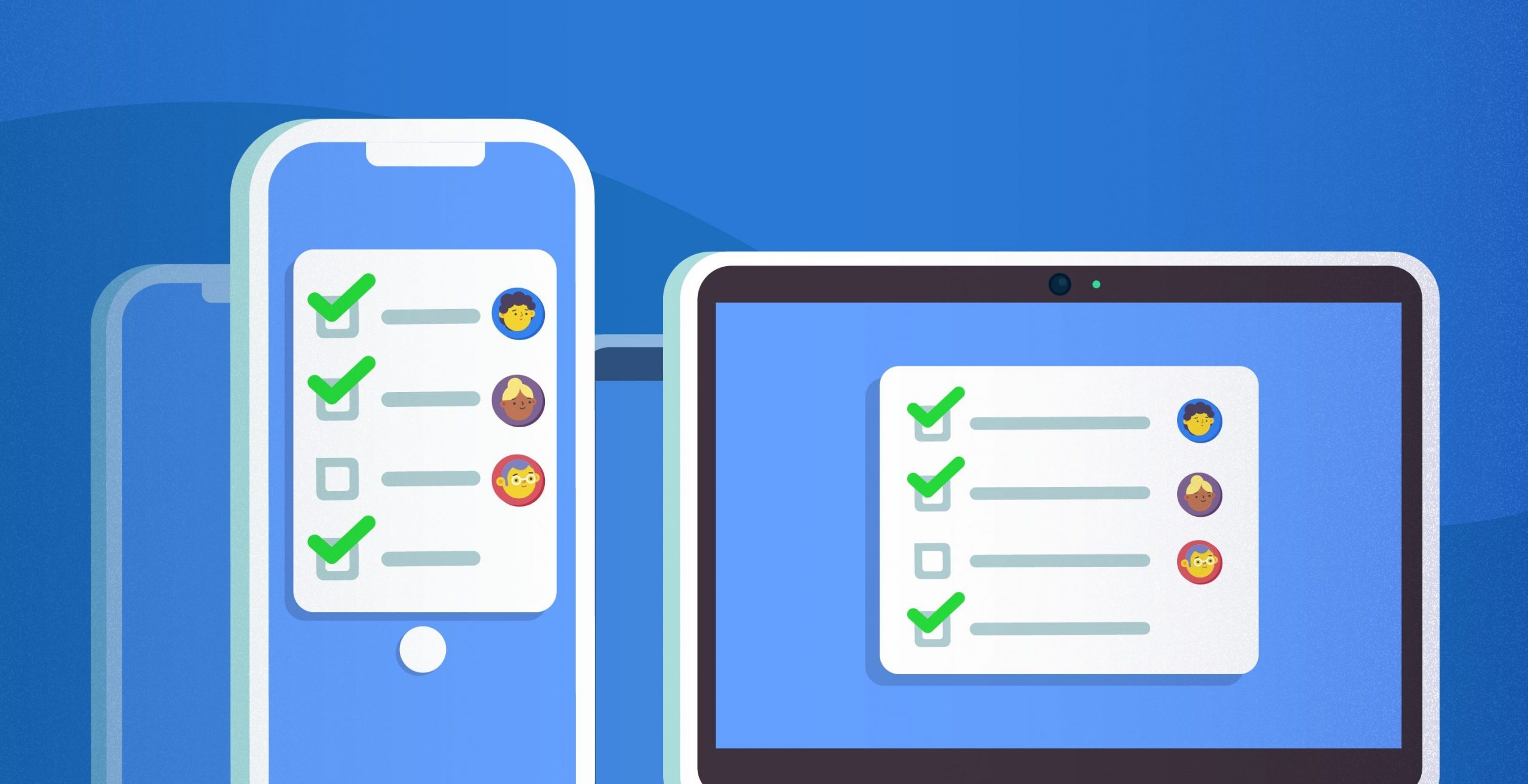
How Do Task Management Apps Work?
In today’s fast-paced digital world, staying organized and keeping track of responsibilities can be overwhelming. Between work assignments, personal tasks, meetings, emails, and long-term projects, it’s easy for important tasks to slip through the cracks. This is where task management apps come into play.
Task management apps are software tools designed to help individuals and teams organize, track, and complete tasks efficiently. They provide structure, accountability, and visibility, ensuring that nothing is forgotten and that work is prioritized effectively. But how exactly do these apps work, and what makes them so effective in boosting productivity?
This article explores the inner workings of task management apps, their core features, types, benefits, and strategies for maximizing their effectiveness.
What Are Task Management Apps?
A task management app is a digital tool that allows users to create, organize, track, and complete tasks. These apps are designed to streamline task organization, reduce mental clutter, and improve efficiency for both personal and professional use.
Unlike a traditional pen-and-paper to-do list, task management apps offer dynamic features, such as reminders, collaboration, file attachments, and progress tracking. They can integrate with calendars, communication tools, and project management systems, making them highly versatile for modern workflows.
In essence, task management apps turn chaos into structure by centralizing responsibilities and providing a visual representation of progress and priorities.
Core Features of Task Management Apps
While different apps offer unique functionality, most task management apps share a set of core features:
1. Task Creation
At their core, task management apps allow users to create tasks. Each task typically includes:
-
A title describing the task
-
A description for additional details
-
Due dates or deadlines
-
Priority levels to indicate importance
-
Labels or categories to organize tasks
Some apps also allow users to create subtasks, breaking complex tasks into smaller, actionable steps.
2. Task Organization and Categorization
Organizing tasks is critical for effective management. Apps usually provide multiple ways to categorize and organize tasks:
-
Lists: Group tasks under a specific project or goal
-
Tags or labels: Assign custom labels for filtering tasks
-
Folders or projects: Organize multiple related tasks together
-
Sections or phases: Separate tasks by workflow stages
Organizational features help users maintain a clear structure and easily locate specific tasks.
3. Prioritization
Task management apps often include tools to prioritize tasks based on importance and urgency. Common prioritization features include:
-
Priority levels (e.g., High, Medium, Low)
-
Color coding for visual cues
-
Sorting options (e.g., by deadline, priority, or project)
-
Integration with productivity frameworks like the Eisenhower Matrix
Prioritization ensures that users focus on high-impact tasks rather than low-value activities.
4. Reminders and Notifications
One of the main advantages of task management apps is their ability to send reminders:
-
Push notifications on mobile devices
-
Email reminders
-
Calendar integration alerts
Reminders reduce the risk of forgetting important deadlines and improve overall accountability.
5. Collaboration and Team Management
Many task management apps support team collaboration, making them valuable for project management. Features include:
-
Assigning tasks to team members
-
Tracking task progress and completion
-
Commenting and messaging within tasks
-
Sharing files and resources
-
Viewing team workloads and availability
Collaboration features enhance communication, reduce misunderstandings, and ensure accountability across teams.
6. Progress Tracking and Visualization
Task management apps often provide tools to visualize task progress. Common visualization features include:
-
Kanban boards: Visual workflow with tasks moving through stages
-
Gantt charts: Timeline representation of tasks and dependencies
-
Checklists: Mark subtasks as completed
-
Progress bars: Show percentage of project completion
These visual tools allow users to see the status of tasks and projects at a glance.
7. Integration With Other Tools
Modern task management apps integrate with a variety of productivity tools to create seamless workflows:
-
Calendars (Google Calendar, Outlook)
-
Communication tools (Slack, Microsoft Teams)
-
File storage (Google Drive, Dropbox)
-
Project management platforms (Asana, Trello)
Integrations reduce manual work and centralize all productivity-related data in one ecosystem.
How Task Management Apps Work Behind the Scenes
Task management apps operate using a combination of cloud storage, databases, and synchronization technology.
1. Cloud-Based Storage
Most apps are cloud-based, meaning that tasks and data are stored on remote servers. This allows:
-
Access from multiple devices (desktop, mobile, tablet)
-
Real-time updates across users and devices
-
Backup and recovery to prevent data loss
Cloud-based architecture ensures that users can work anywhere, anytime.
2. Databases and Task Structuring
Apps use databases to store structured task information. Each task entry typically contains fields such as:
-
Task ID
-
Title and description
-
Assigned user
-
Due date and priority
-
Status (e.g., pending, in progress, completed)
-
Associated project or label
The app then retrieves and displays this information dynamically based on user input, filters, or search queries.
3. Real-Time Synchronization
When multiple users are collaborating, task management apps synchronize data in real-time. Changes made by one user—such as completing a task or adding a comment—are immediately visible to others.
This is typically achieved through websockets or cloud-based APIs, ensuring that teams stay aligned and up-to-date.
4. Notifications and Automation
Apps include automation engines to trigger notifications or task actions based on predefined rules. Examples include:
-
Sending reminders before due dates
-
Automatically moving tasks between workflow stages
-
Notifying team members when a task is completed
Automation reduces manual tracking and improves workflow efficiency.
Types of Task Management Apps
Task management apps vary in complexity and purpose. Here are some common types:
1. Personal Task Managers
Designed for individual productivity, these apps help users track personal to-dos and schedules. Examples:
-
Todoist
-
Microsoft To Do
-
Google Tasks
2. Team and Project Management Tools
These apps support collaboration on group projects and tasks. Examples:
-
Trello (Kanban-based)
-
Asana (task and project workflows)
-
Monday.com (customizable workflows)
3. Hybrid Tools
Some apps combine personal and team task management features, allowing both individual task tracking and collaborative project management. Examples:
-
Notion
-
ClickUp
Benefits of Using Task Management Apps
1. Increased Productivity
By organizing and prioritizing tasks, apps help users focus on high-value work and reduce time wasted on low-priority activities.
2. Reduced Mental Load
Externalizing tasks into a reliable system prevents the brain from juggling too many responsibilities, reducing stress.
3. Better Collaboration
Team members can assign tasks, track progress, and communicate within the app, eliminating the need for scattered emails or meetings.
4. Clear Deadlines and Accountability
Reminders, notifications, and due dates ensure that tasks are completed on time, fostering accountability.
5. Progress Visibility
Visualization tools such as Kanban boards, Gantt charts, and dashboards provide clear insight into progress and productivity.
Common Challenges With Task Management Apps
While task management apps are powerful, they are not a magic solution. Common challenges include:
-
Overcomplication: Too many lists, labels, or projects can create confusion.
-
Underuse: Failing to update tasks regularly reduces effectiveness.
-
Dependence on tools: Relying solely on apps without good habits may not improve productivity.
-
Team adoption: Teams must consistently use the app for collaborative benefits.
These challenges can be mitigated through training, consistent use, and selecting the right app for your needs.
Tips for Maximizing Task Management Apps
-
Keep it simple: Start with core features and expand as needed.
-
Define priorities: Use labels, categories, or priority flags to organize tasks.
-
Use recurring tasks: Automate repetitive responsibilities.
-
Integrate calendars: Sync deadlines with your daily schedule.
-
Review regularly: Weekly or daily reviews help maintain system accuracy.
-
Leverage automation: Use reminders, recurring tasks, and notifications to reduce manual tracking.
Final Thoughts
Task management apps are powerful tools for organizing, tracking, and completing work efficiently. They work by capturing tasks, structuring them in databases, providing reminders, and supporting collaboration and visualization.
Whether used for personal productivity or team project management, these apps help reduce mental clutter, improve focus, and ensure that important tasks are completed on time. By selecting the right app, understanding its features, and using it consistently, individuals and teams can achieve higher productivity, better organization, and reduced stress in their daily workflows.
Task management apps are more than digital to-do lists—they are central hubs for productivity, helping users transform their goals and responsibilities into actionable, trackable outcomes.
- Arts
- Business
- Computers
- الألعاب
- Health
- الرئيسية
- Kids and Teens
- مال
- News
- Personal Development
- Recreation
- Regional
- Reference
- Science
- Shopping
- Society
- Sports
- Бизнес
- Деньги
- Дом
- Досуг
- Здоровье
- Игры
- Искусство
- Источники информации
- Компьютеры
- Личное развитие
- Наука
- Новости и СМИ
- Общество
- Покупки
- Спорт
- Страны и регионы
- World

 English
 Russian
 French
 Spanish
 Portuguese
 Deutsch
 Turkish
 Dutch
Dutch
 Italiano
 Romaian
 Portuguese (Brazil)
 Greek
Greek
