
What is the best task management app?
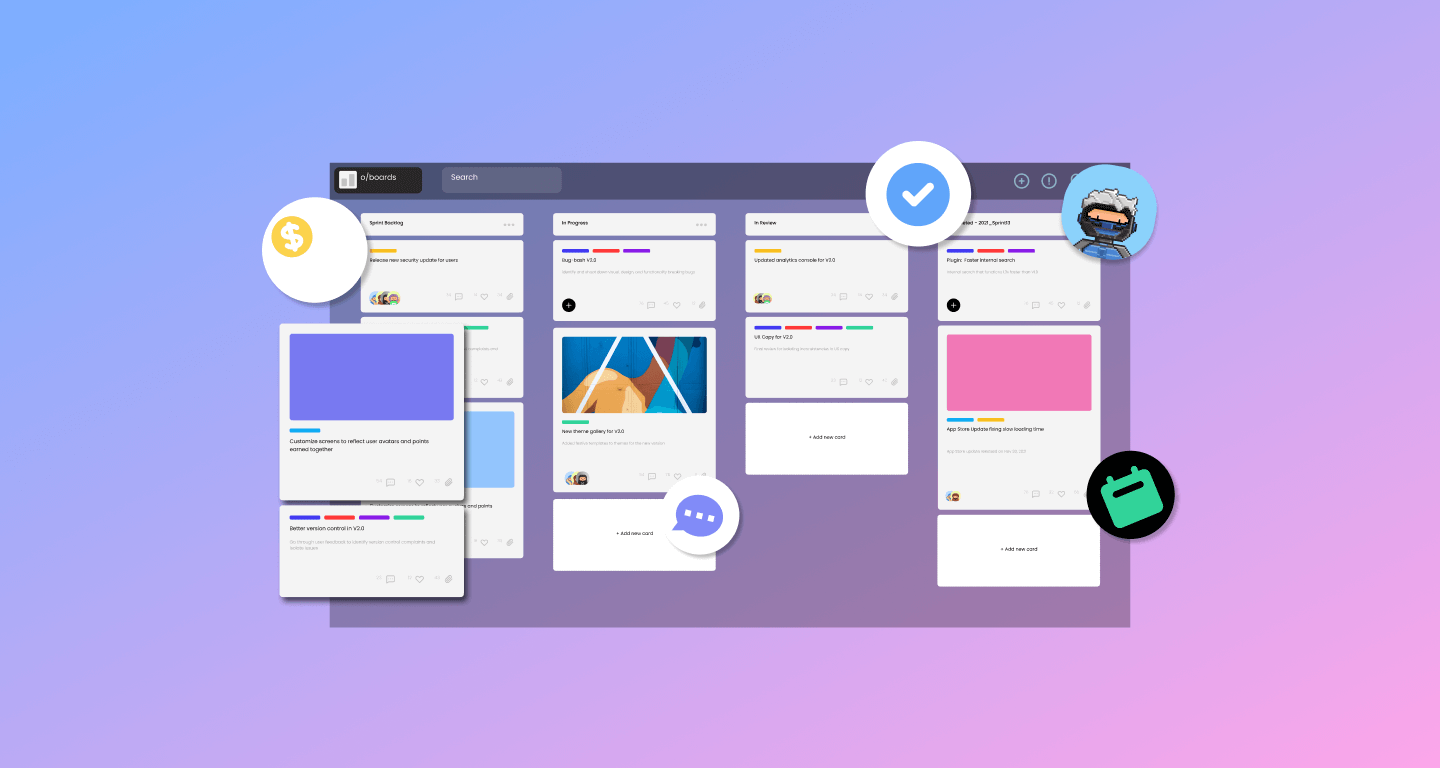
What Is the Best Task Management App?
In an increasingly digital and fast-paced world, managing tasks efficiently has become essential. Whether you're handling personal responsibilities, academic work, or complex team projects, having the right task management app can significantly improve your productivity, organization, and focus.
However, one common question arises: What is the best task management app?
The answer is not as simple as naming a single app. The “best” app depends on your specific needs, workflow, level of complexity, and whether you are working individually or as part of a team.
This article provides a comprehensive breakdown of what makes a task management app effective, reviews some of the best options available today, and helps you determine which one is best for you.
What Makes a Task Management App “The Best”?
Before comparing specific apps, it’s important to define what “best” actually means in this context.
A high-quality task management app should offer:
1. Ease of Use
The app should be intuitive and easy to navigate. A complicated interface can reduce productivity rather than improve it.
2. Task Organization
You should be able to:
-
Create tasks and subtasks
-
Organize them into projects or lists
-
Use tags, labels, or folders
3. Prioritization Features
A good app allows you to assign priority levels and sort tasks based on urgency or importance.
4. Scheduling and Deadlines
Built-in calendars, due dates, and reminders are essential for time management.
5. Collaboration (if needed)
For teams, features like task assignment, comments, and shared workspaces are critical.
6. Flexibility and Customization
Different users have different workflows. The best apps adapt to your needs rather than forcing you into a rigid system.
7. Cross-Platform Access
The app should work across devices—desktop, mobile, and web—so you can access your tasks anytime.
Top Task Management Apps Compared
Below are some of the best task management apps available today, each excelling in different areas.
Todoist – Best for Simplicity and Personal Productivity
Overview
Todoist is one of the most popular task management apps for individuals. It combines simplicity with powerful features, making it ideal for everyday use.
Key Features
-
Task creation with natural language input
-
Priority levels and labels
-
Recurring tasks
-
Project organization
-
Productivity tracking (Karma system)
Strengths
-
Clean and intuitive interface
-
Easy to learn and use
-
Works well for both personal and light team use
Weaknesses
-
Limited advanced project management features
-
Fewer visualization tools compared to more complex platforms
Best For
-
Individuals
-
Students
-
Freelancers
Trello – Best for Visual Task Management
Overview
Trello uses a Kanban board system, where tasks move across columns such as “To Do,” “In Progress,” and “Done.”
Key Features
-
Drag-and-drop task cards
-
Custom boards and lists
-
Labels, checklists, and attachments
-
Team collaboration features
Strengths
-
Highly visual and easy to understand
-
Great for tracking progress
-
Flexible for many use cases
Weaknesses
-
Limited advanced reporting
-
Can become cluttered with large projects
Best For
-
Visual thinkers
-
Small teams
-
Project-based workflows
Asana – Best for Team Collaboration
Overview
Asana is a powerful task and project management platform designed for teams managing complex workflows.
Key Features
-
Tasks, subtasks, and dependencies
-
Timeline (Gantt-style view)
-
Calendar and list views
-
Workflow automation
-
Team communication features
Strengths
-
Excellent for collaboration
-
Multiple project views
-
Strong integrations
Weaknesses
-
Learning curve for beginners
-
Advanced features require paid plans
Best For
-
Teams
-
Project managers
-
Businesses
ClickUp – Best All-in-One Solution
Overview
ClickUp is a highly customizable productivity platform that combines task management, project tracking, and documentation.
Key Features
-
Multiple views (list, board, calendar, Gantt)
-
Time tracking
-
Goal tracking
-
Automation tools
-
Custom workflows
Strengths
-
Extremely flexible
-
Suitable for complex workflows
-
Combines multiple tools into one platform
Weaknesses
-
Can feel overwhelming
-
Steeper learning curve
Best For
-
Power users
-
Teams with complex needs
-
Businesses scaling operations
Notion – Best for Customization
Overview
Notion is an all-in-one workspace that combines task management, note-taking, databases, and collaboration.
Key Features
-
Custom task databases
-
Kanban boards, lists, and calendars
-
Templates for productivity systems
-
Integration of notes and tasks
Strengths
-
Highly customizable
-
Combines multiple productivity tools
-
Flexible for personal and team use
Weaknesses
-
Requires setup time
-
Can be complex for beginners
Best For
-
Advanced users
-
Content creators
-
Teams needing flexibility
Microsoft To Do – Best for Simplicity Within Microsoft Ecosystem
Overview
Microsoft To Do is a lightweight task manager designed for personal productivity, especially for users already using Microsoft tools.
Key Features
-
Simple task lists
-
Reminders and due dates
-
Recurring tasks
-
Integration with Outlook
Strengths
-
Very easy to use
-
Free
-
Seamless integration with Microsoft products
Weaknesses
-
Limited features for teams
-
Not suitable for complex projects
Best For
-
Casual users
-
Microsoft ecosystem users
Choosing the Best Task Management App for You
There is no universal “best” app—only the best app for your specific needs.
If You Want Simplicity
Choose Todoist or Microsoft To Do.
If You Prefer Visual Workflows
Choose Trello.
If You Work in a Team
Choose Asana or ClickUp.
If You Want Full Customization
Choose Notion.
Key Factors to Consider
1. Complexity of Tasks
-
Simple tasks → lightweight apps
-
Complex projects → advanced platforms
2. Solo vs Team Use
-
Personal use → simpler tools
-
Team collaboration → robust systems
3. Workflow Style
-
List-based → Todoist
-
Visual (Kanban) → Trello
-
Structured projects → Asana
4. Budget
Many apps offer free plans, but premium features may be necessary for advanced use.
Common Mistakes When Choosing a Task Management App
1. Choosing Too Complex a Tool
Many users select feature-heavy apps they don’t fully use. This can reduce productivity.
2. Switching Apps Too Often
Constantly changing tools disrupts workflow and prevents habit formation.
3. Ignoring Workflow Fit
An app should match your natural workflow, not force you into an uncomfortable system.
Tips for Getting the Most Out of Any App
Regardless of which app you choose:
-
Keep your task list organized and simple
-
Use priorities and deadlines consistently
-
Break tasks into smaller steps
-
Review tasks daily or weekly
-
Avoid overloading your system with unnecessary complexity
The app is only a tool—your habits determine your productivity.
Final Verdict
So, what is the best task management app?
The most accurate answer is:
The best task management app is the one you will consistently use and that fits your workflow.
-
If you want simplicity → Todoist
-
If you want visual tracking → Trello
-
If you want team collaboration → Asana
-
If you want an all-in-one system → ClickUp
-
If you want full customization → Notion
Each of these tools excels in different areas, and the right choice depends on your needs, preferences, and goals.
Final Thoughts
Task management apps are powerful tools that can transform how you organize, prioritize, and complete your work. They help reduce mental clutter, improve focus, and ensure that important tasks are completed on time.
However, no app can replace good productivity habits. The key to success lies in consistent use, clear prioritization, and regular review of tasks.
By selecting the right app and using it effectively, you can build a system that supports your productivity, reduces stress, and helps you achieve your goals more efficiently.
- Arts
- Business
- Computers
- Παιχνίδια
- Health
- Κεντρική Σελίδα
- Kids and Teens
- Money
- News
- Personal Development
- Recreation
- Regional
- Reference
- Science
- Shopping
- Society
- Sports
- Бизнес
- Деньги
- Дом
- Досуг
- Здоровье
- Игры
- Искусство
- Источники информации
- Компьютеры
- Личное развитие
- Наука
- Новости и СМИ
- Общество
- Покупки
- Спорт
- Страны и регионы
- World

 English
 Russian
 French
 Spanish
 Portuguese
 Deutsch
 Turkish
 Dutch
Dutch
 Italiano
 Arabic
 Romaian
 Portuguese (Brazil)