
What Are the Risks of Office Automation?
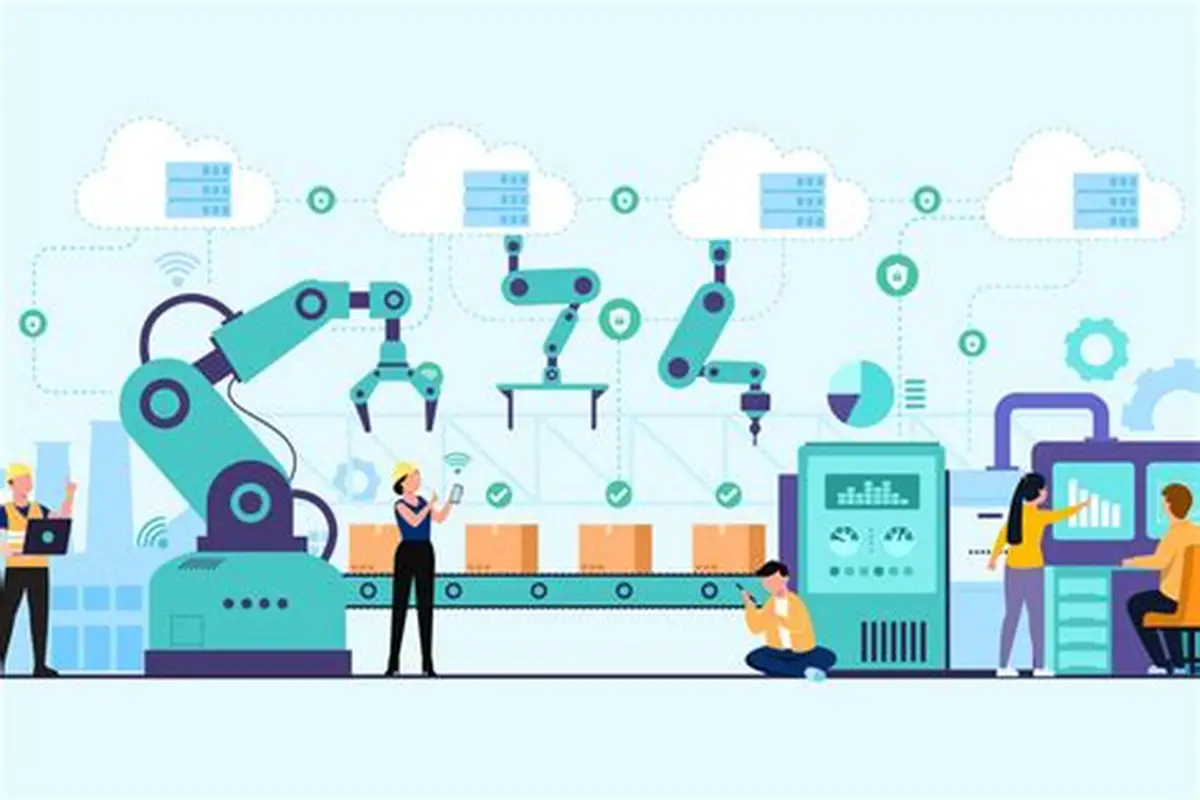
Office automation brings many advantages, but it’s not risk-free. Like any technology, it can create problems if it’s implemented poorly or used without proper planning. Understanding these risks helps businesses avoid mistakes and use automation more effectively.
The goal isn’t to avoid automation—it’s to use it smartly and safely.
Understanding Automation Risks
Office automation uses tools like Microsoft Power Automate and Zapier to perform tasks automatically.
While this improves efficiency, it also introduces new challenges such as:
- Technical issues
- Data risks
- Process errors
Being aware of these risks is the first step to managing them.
Risk of Over-Automation
One of the biggest mistakes is automating too much.
Problems include:
- Loss of human control
- Reduced flexibility
- Difficulty handling unexpected situations
Not everything should be automated—especially tasks that require judgment or decision-making.
Errors in Automated Processes
Automation follows instructions exactly.
If something is set up incorrectly:
- Errors can repeat quickly
- Large amounts of data can be affected
- Mistakes can go unnoticed
For example, a wrong formula in Microsoft Excel can lead to incorrect reports.
Data Security Risks
Automation often involves sensitive data.
Risks include:
- Unauthorized access
- Data leaks
- Cybersecurity threats
Using cloud tools like Google Drive requires proper security settings.
System Failures
Automation depends on technology.
If systems fail:
- Workflows may stop
- Tasks may be delayed
- Data may be lost
This can disrupt operations.
Lack of Human Oversight
Automation reduces manual involvement, but this can be risky.
Without monitoring:
- Errors may go unnoticed
- Processes may fail silently
Human oversight is still necessary.
Initial Setup Risks
Setting up automation incorrectly can cause:
- Inefficient workflows
- Data errors
- Wasted time and resources
Proper planning and testing are essential.
Employee Resistance
Some employees may resist automation.
Reasons include:
- Fear of job loss
- Lack of understanding
- Difficulty adapting
This can slow down implementation.
Dependence on Technology
Over-reliance on automation can be risky.
If tools stop working:
- Work may be interrupted
- Employees may struggle to continue manually
Balance is important.
Integration Issues
Automation often involves connecting multiple systems.
Problems may include:
- Compatibility issues
- Data mismatches
- Broken workflows
Tools like Zapier help, but integration still requires careful setup.
Cost Risks
While automation saves money long-term, there can be risks such as:
- High initial costs
- Paying for unnecessary tools
- Poor return on investment
Choosing the right tools is important.
Compliance and Legal Risks
Automation must follow regulations.
Risks include:
- Incorrect data handling
- Violating privacy laws
- Failing to meet standards
Businesses must ensure compliance.
Loss of Flexibility
Automated systems follow fixed rules.
This can make it difficult to:
- Handle unique situations
- Adapt quickly
- Make changes
Some tasks require human judgment.
Skill Gaps
Employees may lack the skills needed to manage automation.
This can lead to:
- Errors
- Inefficient use of tools
- Dependence on specialists
Training is essential.
Poor Workflow Design
Automation is only as good as the process behind it.
If the workflow is inefficient:
- Automation will not fix it
- Problems may become worse
Always improve processes before automating them.
Real-Life Example
Imagine a company automates invoice processing.
If set up incorrectly:
- Wrong data is entered
- Payments are delayed
- Financial errors occur
Without monitoring, this can cause serious issues.
How to Reduce Automation Risks
You can minimize risks by:
- Testing workflows carefully
- Monitoring systems regularly
- Training employees
- Using secure tools
- Starting small
Good planning reduces problems.
Importance of Balance
Automation should support humans, not replace them completely.
A balanced approach includes:
- Automation for repetitive tasks
- Humans for decision-making
This ensures better results.
Role of Management
Managers play a key role in reducing risks.
They should:
- Oversee implementation
- Ensure proper training
- Monitor performance
Strong management improves success.
Future of Automation Risks
As automation evolves:
- Security will become more important
- Systems will become smarter
- Risks will shift but not disappear
Businesses must stay prepared.
Conclusion
Office automation offers many benefits, but it also comes with risks such as errors, security issues, and system failures. By using tools like Microsoft Power Automate and Zapier carefully, businesses can minimize these risks.
The key is simple: plan carefully, monitor regularly, and maintain human oversight.
- Arts
- Business
- Computers
- Spellen
- Health
- Home
- Kids and Teens
- Money
- News
- Personal Development
- Recreation
- Regional
- Reference
- Science
- Shopping
- Society
- Sports
- Бизнес
- Деньги
- Дом
- Досуг
- Здоровье
- Игры
- Искусство
- Источники информации
- Компьютеры
- Личное развитие
- Наука
- Новости и СМИ
- Общество
- Покупки
- Спорт
- Страны и регионы
- World

 English
 Russian
 French
 Spanish
 Portuguese
 Deutsch
 Turkish
 Italiano
 Arabic
 Romaian
 Portuguese (Brazil)
 Greek
Greek