
How Do You Communicate with Outsourced Teams?
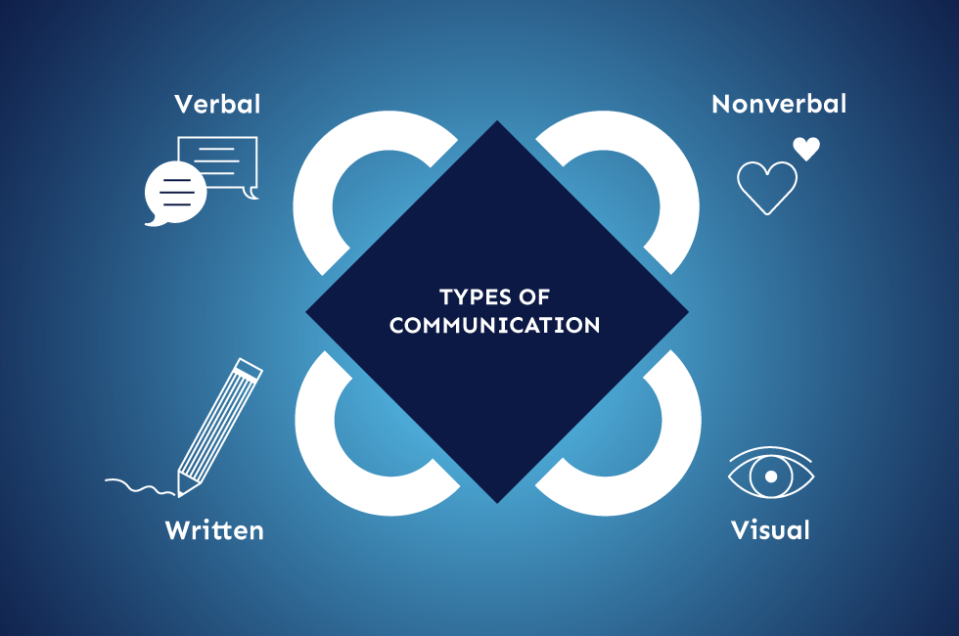
Effective communication is the backbone of successful outsourcing. No matter how skilled or experienced an outsourced team may be, poor communication can lead to misunderstandings, delays, and low-quality results. On the other hand, strong communication creates alignment, builds trust, and ensures that projects run smoothly.
Communicating with outsourced teams requires more structure and intentionality than working with in-house employees. Differences in time zones, languages, and cultures make it essential to adopt clear strategies and tools.
In this article, we’ll explore how businesses can communicate effectively with outsourced teams and maintain strong collaboration.
Why Communication Is Critical in Outsourcing
When teams are not physically present, communication becomes the primary way to:
- Share expectations
- Track progress
- Resolve issues
- Build relationships
Without strong communication, even simple tasks can become complicated.
1. Establish Clear Communication Channels
The first step is to define how communication will happen.
Common Channels:
- Email for formal updates
- Messaging apps (Slack, Teams) for quick communication
- Video calls for meetings
- Project management tools for task tracking
Using the right channel for the right purpose keeps communication organized and efficient.
2. Set Communication Guidelines
Outsourced teams need clear rules for how and when to communicate.
Define:
- Response time expectations
- Preferred tools
- Meeting schedules
- Escalation procedures
Clear guidelines reduce confusion and ensure consistency.
3. Schedule Regular Meetings
Regular check-ins help maintain alignment and prevent issues from escalating.
Types of Meetings:
- Daily or weekly stand-ups
- Project updates
- Monthly performance reviews
Consistent meetings keep everyone informed and engaged.
4. Use Simple and Clear Language
When working with global teams, clarity is essential.
Best Practices:
- Avoid slang and jargon
- Be direct and specific
- Confirm understanding
Clear communication reduces the risk of misinterpretation.
5. Document Everything
Written documentation ensures that important information is accessible and consistent.
Include:
- Project requirements
- Processes and workflows
- Meeting notes
- Decisions and changes
Documentation acts as a reference point for everyone involved.
6. Leverage Collaboration Tools
Technology plays a key role in communication.
Useful Tools:
- Task management platforms (Trello, Asana)
- File-sharing systems (Google Drive, Dropbox)
- Communication apps
These tools centralize information and improve transparency.
7. Manage Time Zone Differences
Time zone gaps can slow communication if not handled properly.
Strategies:
- Overlap working hours when possible
- Use asynchronous communication
- Plan ahead for delays
Managing time zones effectively ensures smoother collaboration.
8. Encourage Two-Way Communication
Communication should not be one-sided.
Encourage:
- Questions and clarifications
- Feedback from the outsourced team
- Open discussions
Two-way communication builds trust and improves outcomes.
9. Provide Regular Feedback
Feedback helps outsourced teams improve and stay aligned with expectations.
Best Practices:
- Be specific and constructive
- Provide feedback regularly
- Recognize good performance
Continuous feedback leads to better results over time.
10. Build Relationships
Strong relationships improve communication and collaboration.
Ways to Build Relationships:
- Show appreciation
- Be respectful and professional
- Create a positive working environment
When teams feel valued, they communicate more openly.
11. Be Culturally Aware
Cultural differences can affect communication styles.
Consider:
- Direct vs. indirect communication
- Attitudes toward hierarchy
- Work etiquette
Cultural awareness helps avoid misunderstandings.
12. Set Clear Expectations
Unclear expectations are a major cause of communication breakdowns.
Clarify:
- Goals and objectives
- Deliverables
- Deadlines
Clear expectations reduce the need for constant clarification.
13. Use Visual Communication
Visual aids can improve understanding.
Examples:
- Diagrams
- Screenshots
- Videos
Visual communication is especially helpful for complex tasks.
14. Create Escalation Paths
When issues arise, teams need to know how to escalate them.
Define:
- Who to contact
- How to escalate
- Expected response times
This ensures that problems are resolved quickly.
15. Monitor Communication Effectiveness
Communication processes should be reviewed regularly.
Evaluate:
- Response times
- Clarity of messages
- Frequency of misunderstandings
Improving communication continuously leads to better performance.
Common Communication Challenges
Even with good systems in place, challenges can occur:
- Language barriers
- Misaligned expectations
- Delayed responses
- Lack of transparency
Recognizing these challenges helps address them proactively.
Benefits of Strong Communication
When communication is effective, businesses can achieve:
- Higher productivity
- Better quality work
- Faster problem resolution
- Stronger partnerships
Communication is not just a support function—it’s a strategic advantage.
Conclusion
Communicating with outsourced teams requires structure, clarity, and consistency. By establishing clear channels, setting expectations, using the right tools, and fostering open dialogue, businesses can overcome the challenges of remote collaboration.
Ultimately, successful outsourcing depends heavily on how well teams communicate. Companies that invest in strong communication practices are far more likely to achieve efficient operations, high-quality results, and long-term success.
- Arts
- Business
- Computers
- Jocuri
- Health
- Home
- Kids and Teens
- Money
- News
- Personal Development
- Recreation
- Regional
- Reference
- Science
- Shopping
- Society
- Sports
- Бизнес
- Деньги
- Дом
- Досуг
- Здоровье
- Игры
- Искусство
- Источники информации
- Компьютеры
- Личное развитие
- Наука
- Новости и СМИ
- Общество
- Покупки
- Спорт
- Страны и регионы
- World

 English
 Russian
 French
 Spanish
 Portuguese
 Deutsch
 Turkish
 Dutch
Dutch
 Italiano
 Arabic
 Portuguese (Brazil)
 Greek
Greek
